
DOWNLOAD THE APP


Customer Services
Copyright © 2025 Desertcart Holdings Limited
DOWNLOAD THE APP


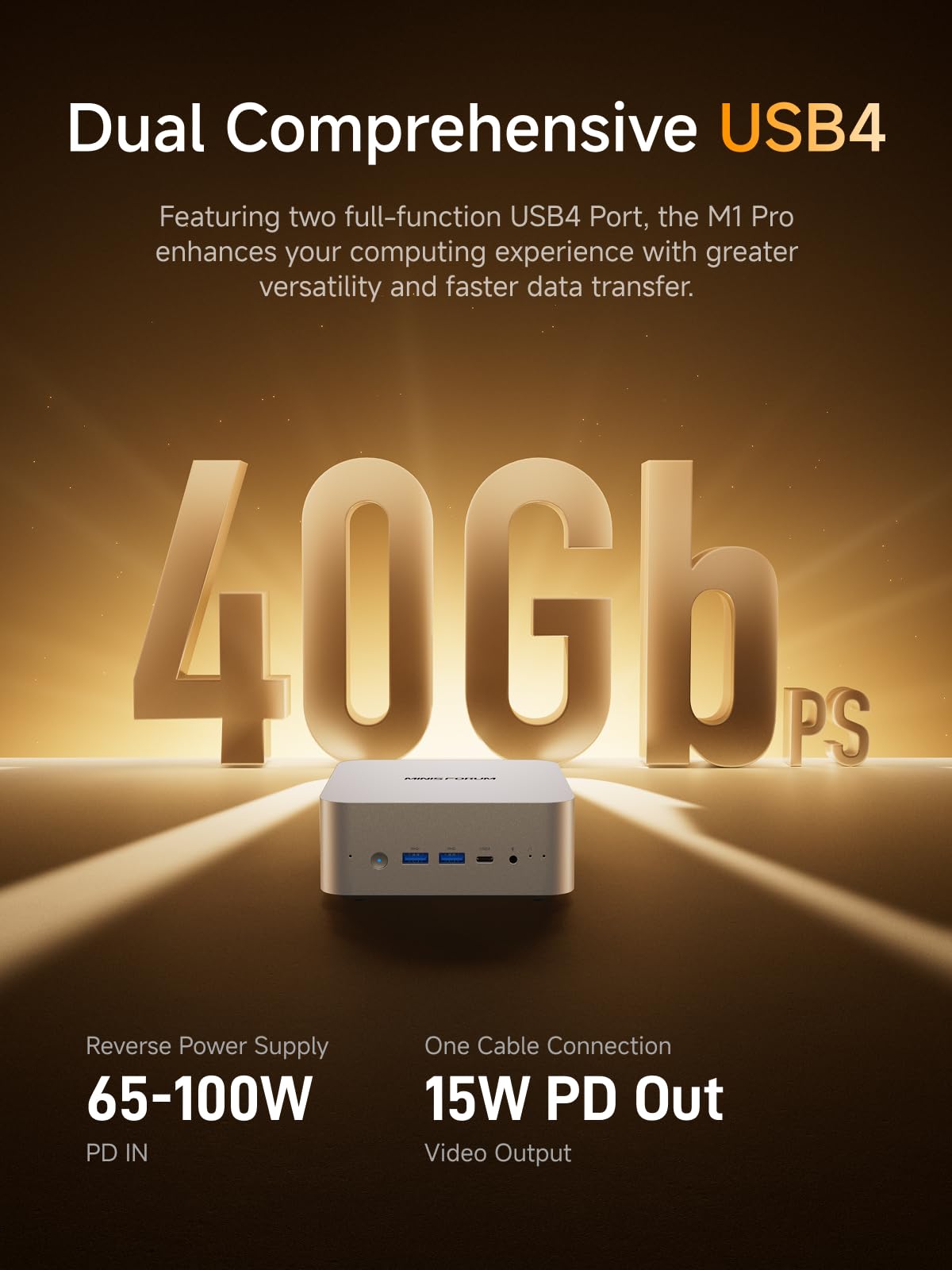
🚀 Power your productivity with the AI Mini PC that means business!
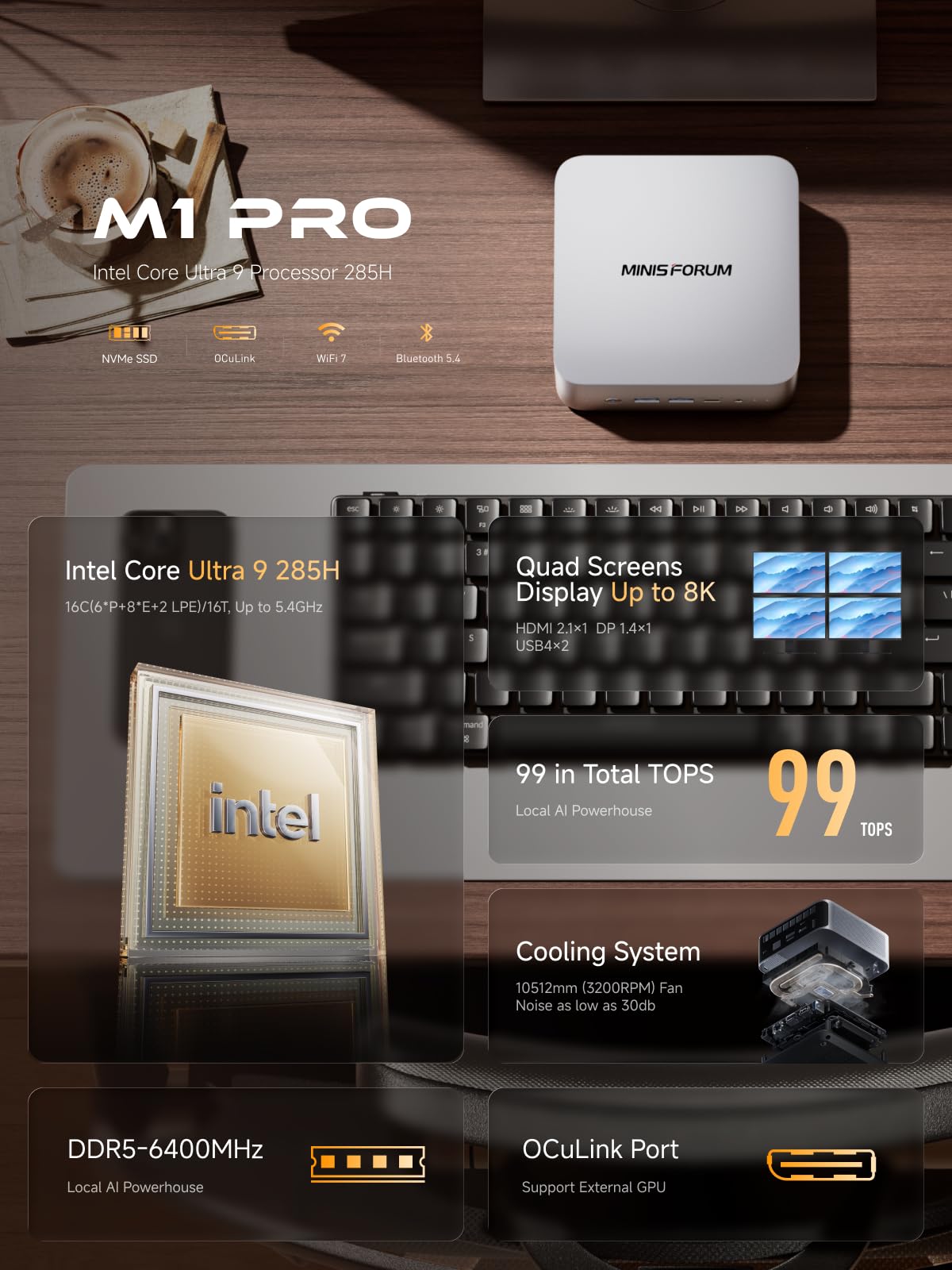
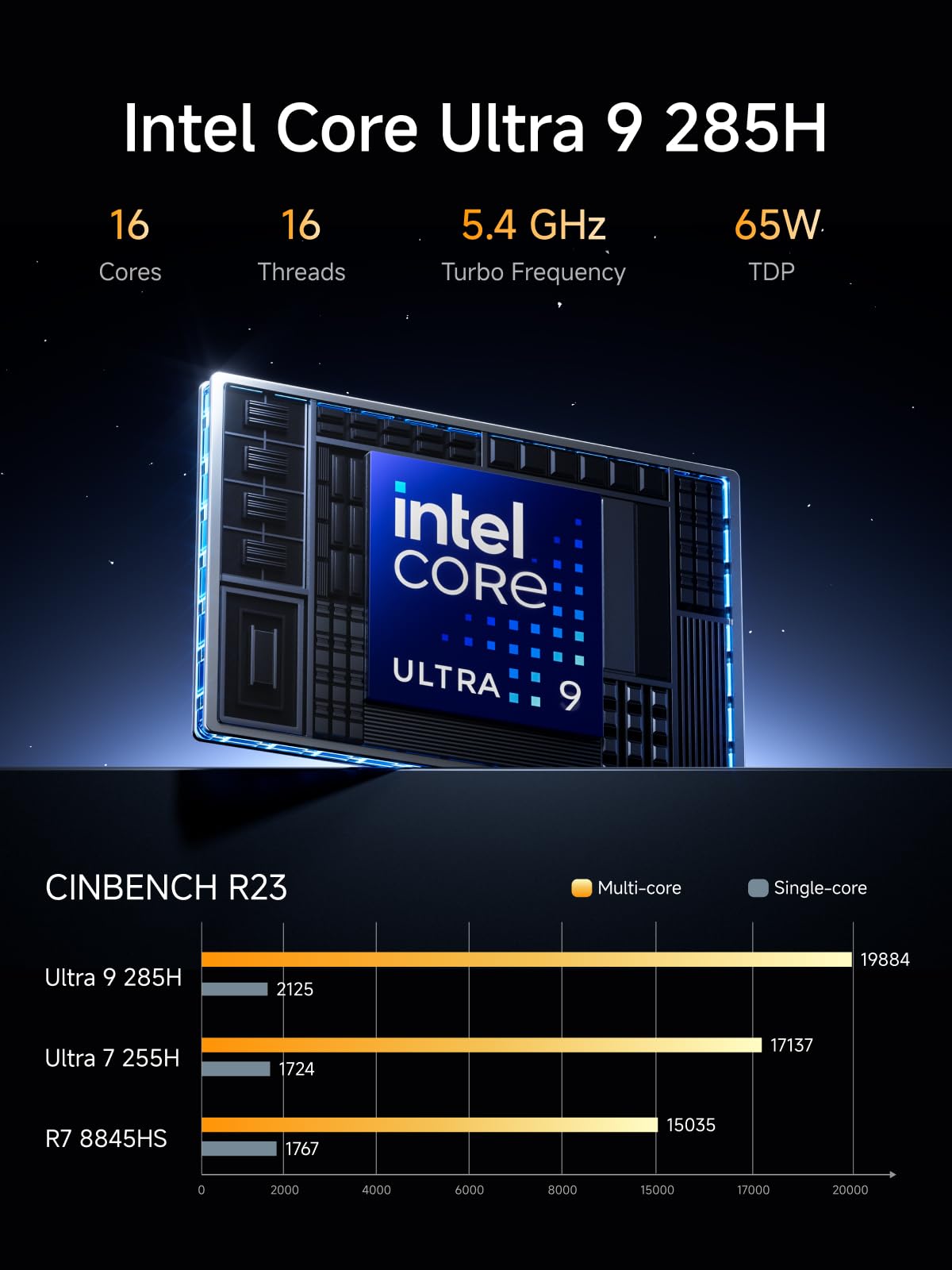
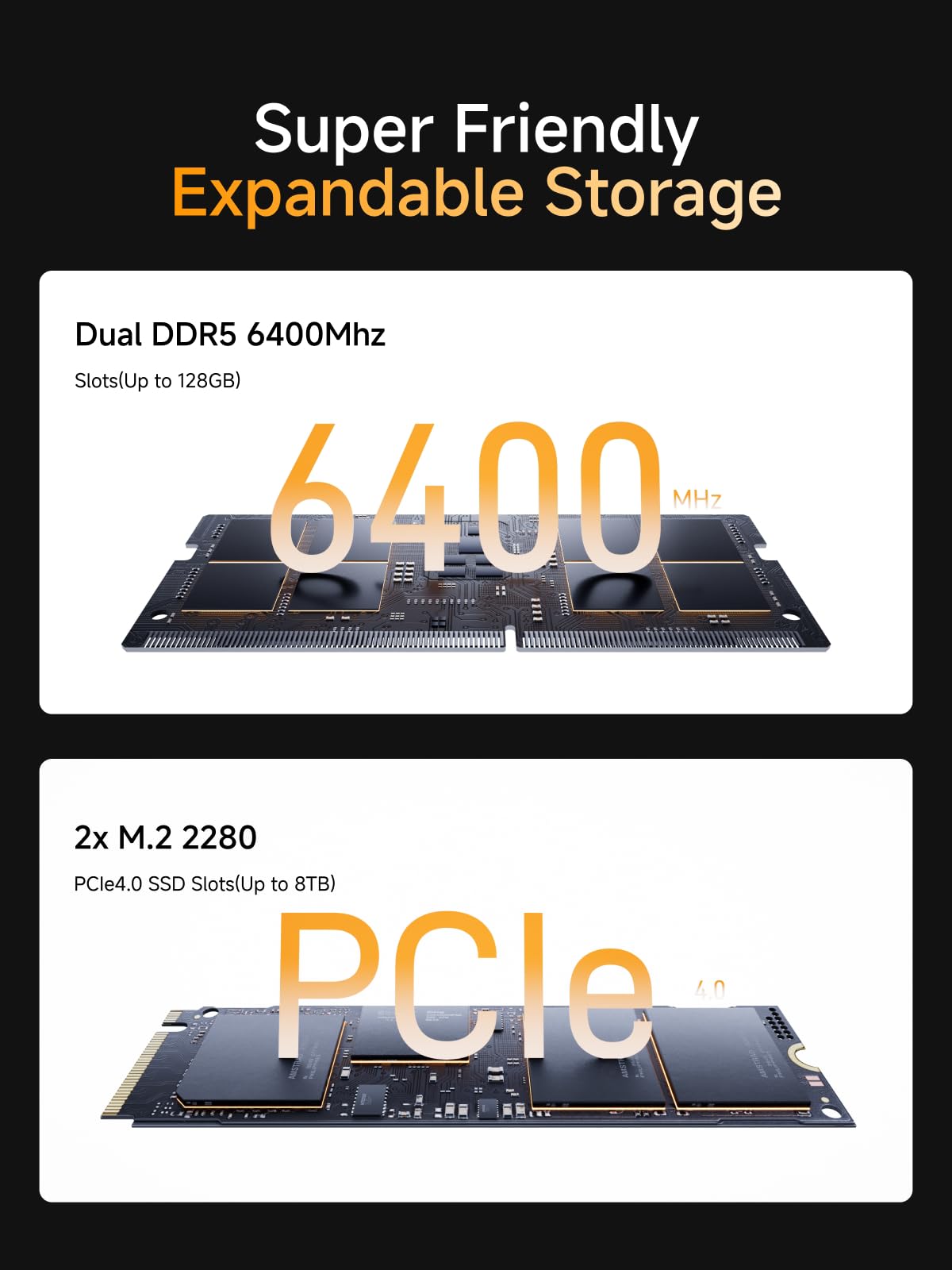
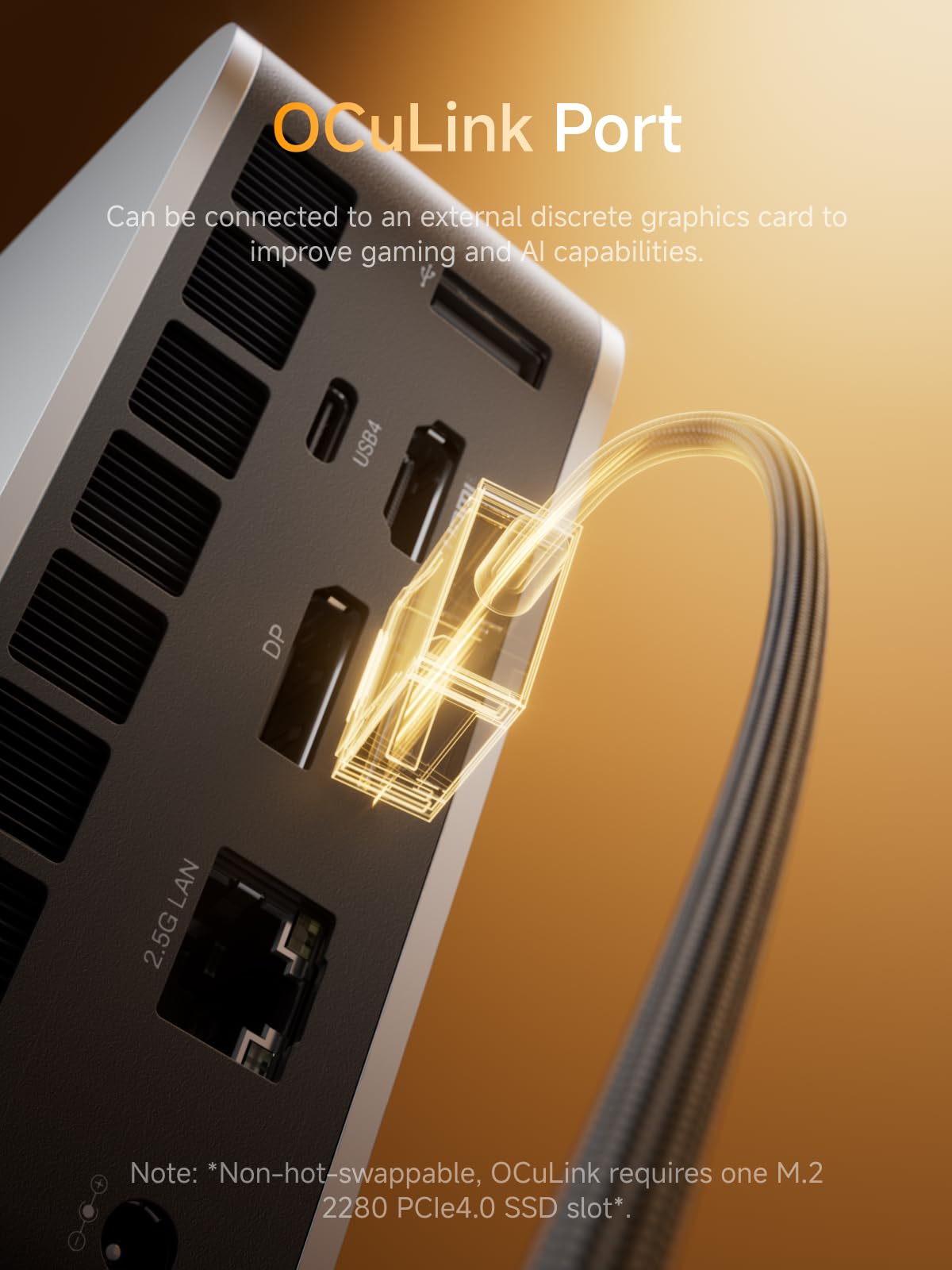
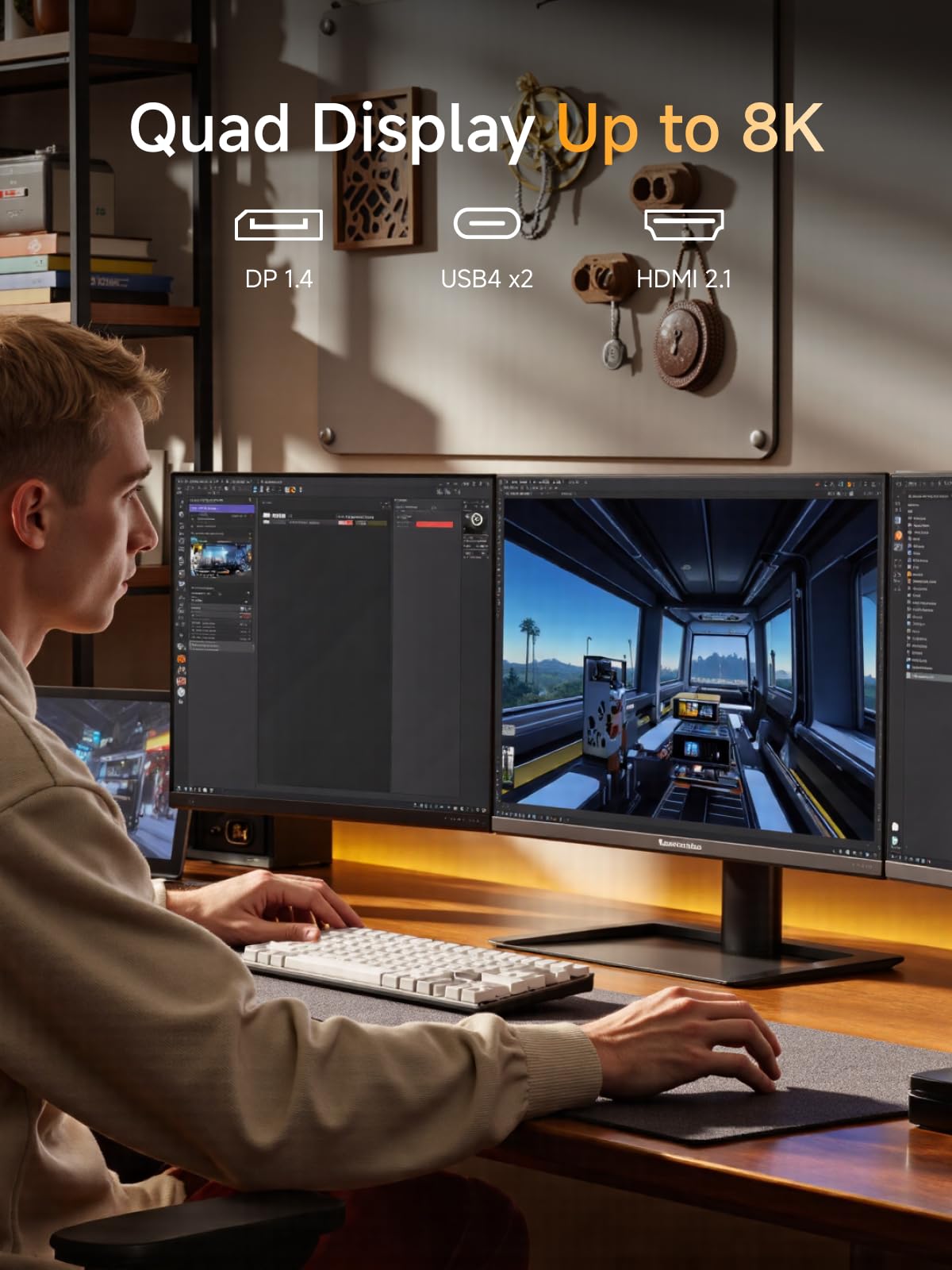
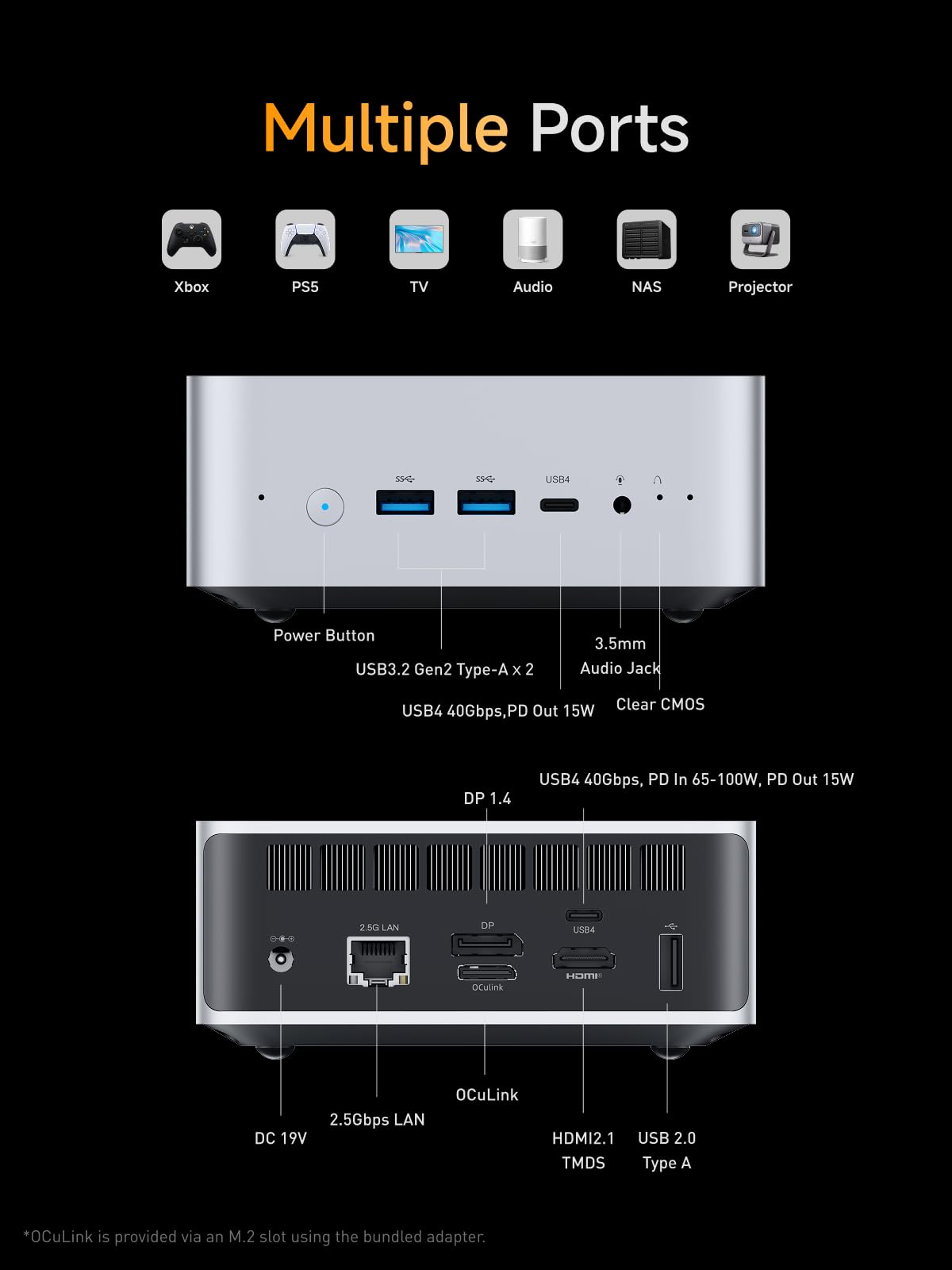
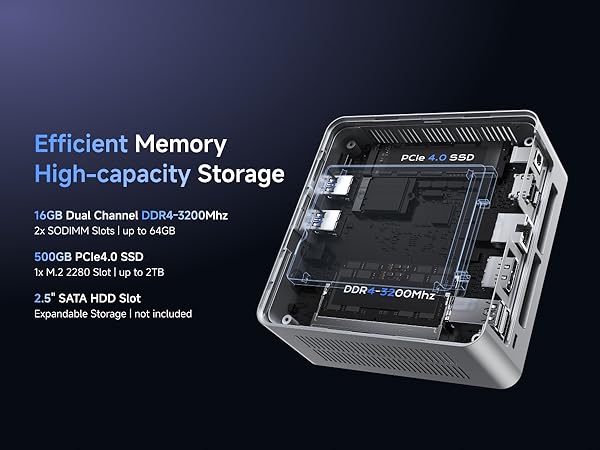
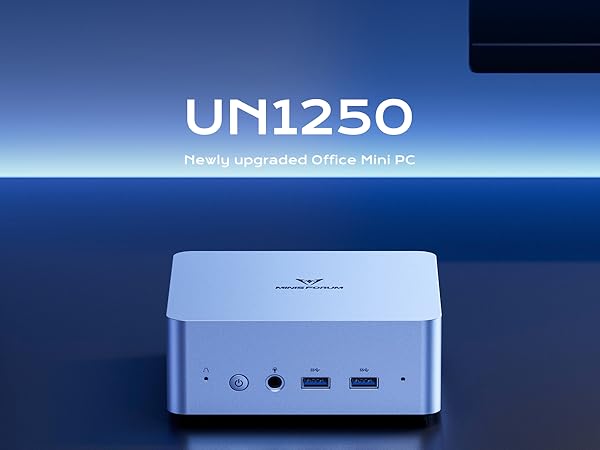
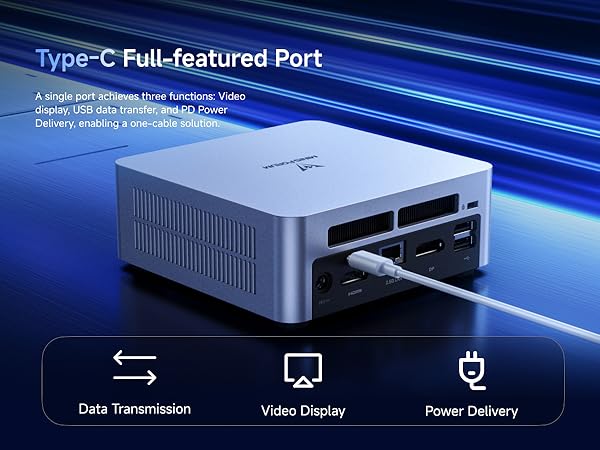
The MINISFORUM M1 Pro AI Mini PC is a compact yet powerhouse desktop featuring the Intel Core Ultra 9 285H processor with 16 cores and up to 5.4GHz turbo. Equipped with 64GB DDR5 RAM and a 2TB PCIe 4.0 SSD, it delivers lightning-fast multitasking and storage. Its triple-engine AI architecture achieves 99 TOPS, perfect for demanding creative and AI workloads. Connectivity is future-proof with 2.5Gbps LAN, WiFi 7, Bluetooth 5.4, and dual USB4 ports supporting quad 8K/4K displays. Designed for professionals craving silent operation and efficient cooling, it’s the ultimate compact AI workstation for millennial managers who want to stay ahead.







| ASIN | B0FJKNZJYF |
| Are Batteries Included | No |
| Brand | MINISFORUM |
| Color | Silver |
| Computer Memory Type | DDR5 RAM |
| Connectivity Type | Wi-Fi 7, Bluetooth 5.4 |
| Customer Reviews | 4.5 4.5 out of 5 stars (119) |
| Date First Available | 3 September 2025 |
| Graphics Card Description | Dedicated |
| Graphics Card Interface | PCI Express |
| Graphics Card Ram Size | 2 |
| Graphics Chipset Brand | Intel |
| Graphics Coprocessor | Intel Arc 140T GPU |
| Graphics RAM Type | DDR5 SDRAM |
| Hard Disk Description | SSD |
| Hard Disk Rotational Speed | 7200.00 |
| Hard Drive Interface | Serial ATA |
| Hard Drive Size | 2 TB |
| Hardware Platform | PC |
| Item Weight | 1.3 Kilograms |
| Item model number | DeskMini |
| Manufacturer | Micro Computer (HK) Tech Limited |
| Maximum Memory Supported | 128 GB |
| Memory Clock Speed | 5600 MHz |
| Memory Technology | DDR5 |
| Number of HDMI Ports | 1 |
| Number of USB 2.0 Ports | 1 |
| Number of USB 3.0 Ports | 2 |
| Operating System | OS |
| Package Dimensions | 18.19 x 15.9 x 11.48 cm; 1.3 kg |
| Power Source | DC |
| Processor Brand | Intel |
| Processor Count | 16 |
| Processor Socket | FCBGA2049 |
| Processor Speed | 5.4 GHz |
| Processor Type | Others |
| RAM Size | 64 GB |
| Resolution | 7680 Pixels |
| Screen Resolution | 7680 x 4320 |
| Series | DeskMini |
| Speaker Description | Built-in speakers |
| Standing screen display size | 25 Inches |
| Wireless Type | 802.11ax |
B**E
Great product, unfortunate about the choice of the Mediatek WiFi card that's not supported on Linux. I had to get a USB WiFi adaptor to have a functional WiFi
D**N
I've always been one to buy decommissioned enterprise gear for my homelab but I had a need to add an additional Proxmox cluster node in the house, around people, so I wanted something more human friendly. Looking over all the options, MINISFORUM seemed to offer a wide range of combinations of technology and the most difficult decision was which processor/ram/architecture I wanted. I ended up choosing the NAB9 w/ Core i9-12900HK specifically for the Cores/Threads and clock it ran at with 32gb of RAM. This should be plenty to play host to infrastructure VMs to maintain HA. I am using the 2.5gb LAN ports as one for the VM network and one for the Storage network. With how fast it is, you can't even tell that the VM's disks are in another building on a NAS when it serves a site from the VM on the NAB9. It boots very quickly and is completely silent and it doesn't seem to generate much heat, if any. In my case, I unboxed it, plugged in the KVM and network, connected my Proxmox USB Bootable installer, and went from new to cluster member in under 30 minutes making it very easy to use! I do have to bring up one small issue. A few weeks after I had it up and running it suddenly turned off and wouldn't turn back on. I know this sounds bad but it's actually a testament to how supportive MINISFORUM is. I opened a support ticket and had an email response within hours, not days! We performed the troubleshooting steps and emailed back and forth that next day before I was given the greenlight for a repair. The speed of their service and support was way beyond my expectations! I sent in the NAB9 and counting travel to there, from there, and fixing it, was 5 days. Under 1 week and I had the machine back and up and running! Since the repair I wanted to wait a bit to make certain everything stayed good before I left my review. But now it's time. I've had the NAB9 running 24x7 since I got it back several months ago and it's been amazing. So much so, that I forget I have it running in the house. I haven't had to do any fiddling or anything. It's great and just works. I feel that I can confidently say now that it's high quality and an excellent value for how much compute you get for the price. Thank you MINISFORUM, this device has filled a specific need for me perfectly.
F**.
The MINISFORUM M1 Pro-125H has completely exceeded my expectations—this mini PC is an absolute powerhouse in a compact, elegant design. Powered by the Intel Core Ultra 5 125H, it handles every task I throw at it with ease, from multitasking to streaming, productivity work, and even handling high-resolution displays with its dual USB4 (8K) support, HDMI 2.1, and DP 1.4 outputs. The setup is smooth, the connectivity is future-ready with WiFi 7, Bluetooth 5.4, OCuLink, and 2.5G LAN, and the dual speakers/microphones make it an ideal workstation companion. Best of all, its sleek, space-saving design leaves my desk clutter-free while still delivering premium performance. If you're looking for raw power in a minimalist footprint, this mini PC checks all the boxes—fast, reliable, quiet, and beautifully built. I couldn’t be happier with this addition to my home office setup!
J**Y
First off, I did upgrade this thing to the max, 94Gb of DDR5 5600MHz RAM, and dual M.2 NVME drives. You have to go into the BIOS as set a dedicated portion of the RAM for use as video RAM (can be up to 16GB) and since it does not have an hard drive and OS then you will need the driver package from the MinisForum website. The model UM870 slim uses the same drivers as another model (like UM640 or something) but they work fine. This runs games faster and in better quality than my PS5 does. I definitely recommend it. And it was about the same price to buy this bare bones system and then get twice the RAM and hard drive size on my own than even the largest amount offered on a pre-built bundle. Not including an OS, but I already have a Windows 11 Pro key, so I didn't have to include that in the cost of building it on my own. The 4 stars out of 5 is just because of the way the bottom of the system is. First off, it is a bare bones system, meaning you absolutely have to open it to put in RAM and a M.2 drive (or 2) yet in order to open it up you have to pull off the 4 rubber feet that are held on by sticky tape, and it only comes with 2 replacement feet (by the way, you also have to remove the feet if you plan on using the vesa mounting bracket or you need to supply your own longer screws). Then you need to remove 4 screws that use thread locker on them, then you can pop off the bottom cover, and be careful not to pull it off too fast, because the cooling fan is screwed to the bottom, and attached to the motherboard with a 4 pin connector. Also, the cooling fan mount is just a thin sheet of metal and comes with 2 thermal pads on it so it is supposed to act like a heat sync for the 2 NVME drive slots, but does not allow you to put any 3rd party heat sync on the drives because there is no room for the cover to go back on. However I was able to modify the fan mount by basically cutting 90% of it off and moving the fan over so it is only held on by 2 of the 3 tiny screws that hold the fan to the bracket, and only 2 of the 4 screws that normally hold the bracket on, and having to cut a small notch out of the inside of the bottom cover. Basically they could have made it fit, and allowed for better heat syncs on the drives, but decided that one flat piece of steel would be better than aluminum finned heat syncs. Would have been 5 stars if the had just left the feet off and included them as an optional add-on in the box. Had not used that blue thread locker on 4 screws that 100% need to be removed by the customer, and had just moved the bottom cooling fan over far enough to allow for better 3rd party heat sync options to be used (without needing modifications). Also, I don't need the dual Ethernet ports, and would have much rather it had an extra USB-C port. But I just used one of those USB-C hubs to add a bunch of extra ports to it.
B**T
The M1 Pro with Intel Core Ultra 9 285H packs quite a bit of compute into a small package at a decent price. I bought the barebones model since I had some DDR5 SODIMM and an SSD handy, but the 32gb+1tb model actually gives a pretty good deal with the insane memory prices of early 2026. The AI branding on the description is a little buzzwordy, but you *can* do some decent local LLM tinkering with the included CPU+NPU combo and the iGPU. The Intel Arc 140T doesn't have its own VRAM but can snatch up to 18gb of the system memory, allowing 7b models to run quite smoothly. That said, this setup is nowhere near a replacement for cloud-based flagship models, so don't buy this thinking it can replace Gemini 3 or Claude 4.6 Opus or whatever. My main use for this is gaming. The CPU is fairly up to the task. The 140T performs fine for older or simpler games, but where this thing truly shines is the included OCuLink port. I put a 5070 Ti in a Minisforum DEG1 eGPU dock, and it worked out of the box--no BIOS updates or tinkering needed. That allows modern games like Clair Obscur to run beautifully. The fan noise is audible but certainly not annoying under loads like this. I think the ideal use cases for this are: - Local LLM tinkering - Gaming, if you use an eGPU - A compact, powerful PC that's small enough to mount on the back of a monitor
Trustpilot
3 days ago
2 weeks ago