
DOWNLOAD THE APP


Customer Services
Copyright © 2025 Desertcart Holdings Limited
DOWNLOAD THE APP
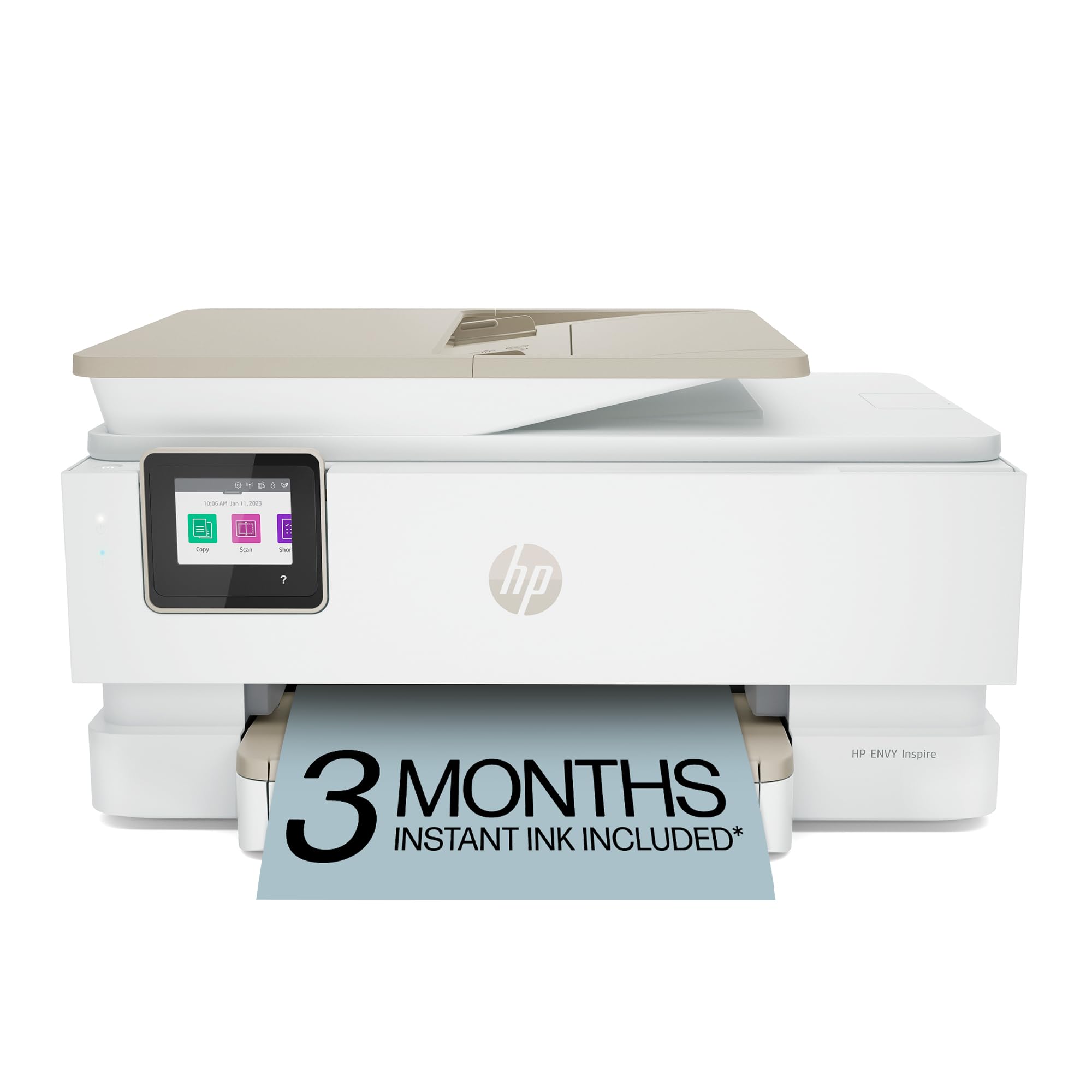




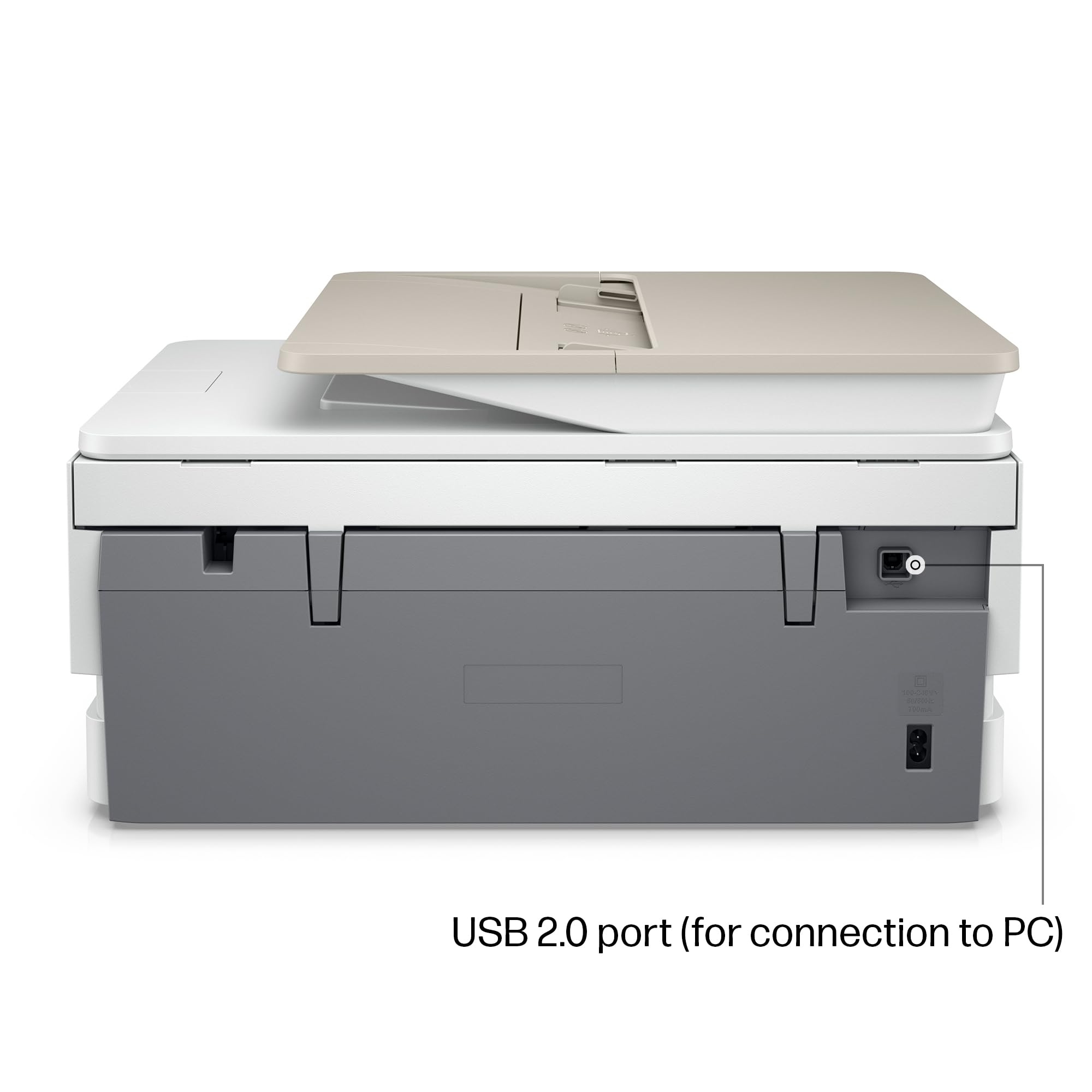

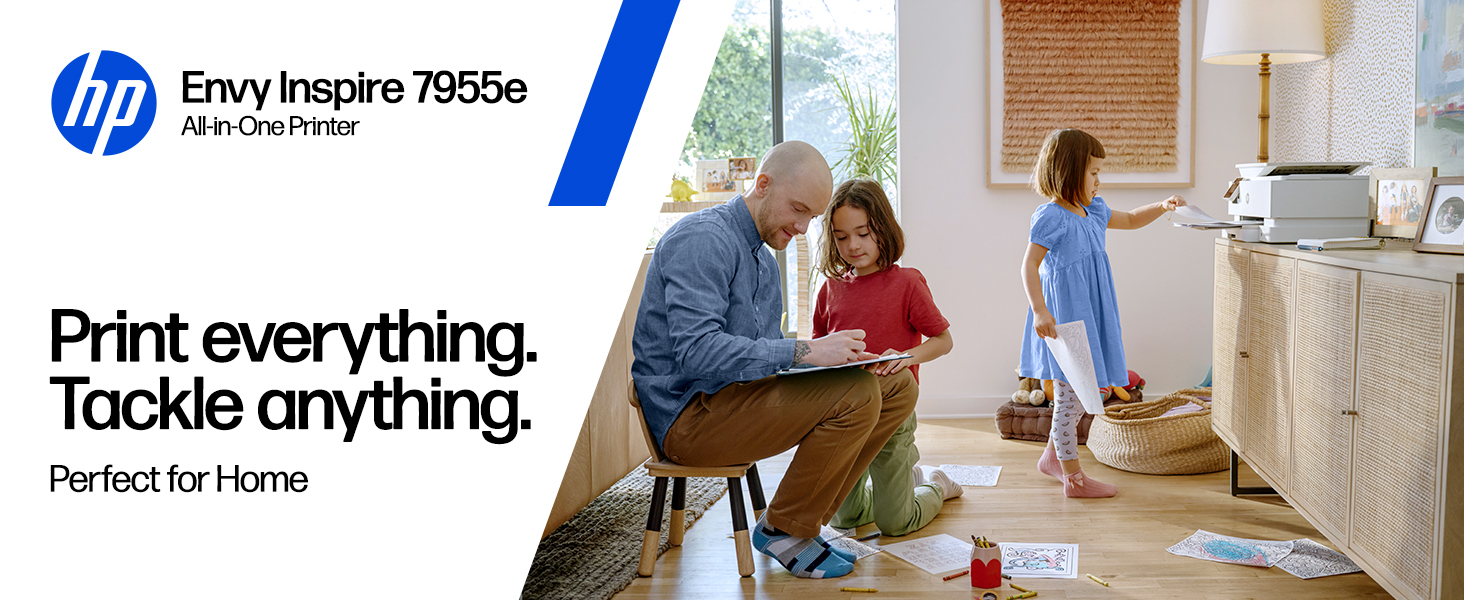
🖨️ Elevate your home office with HP ENVY Inspire — where productivity meets vibrant creativity!
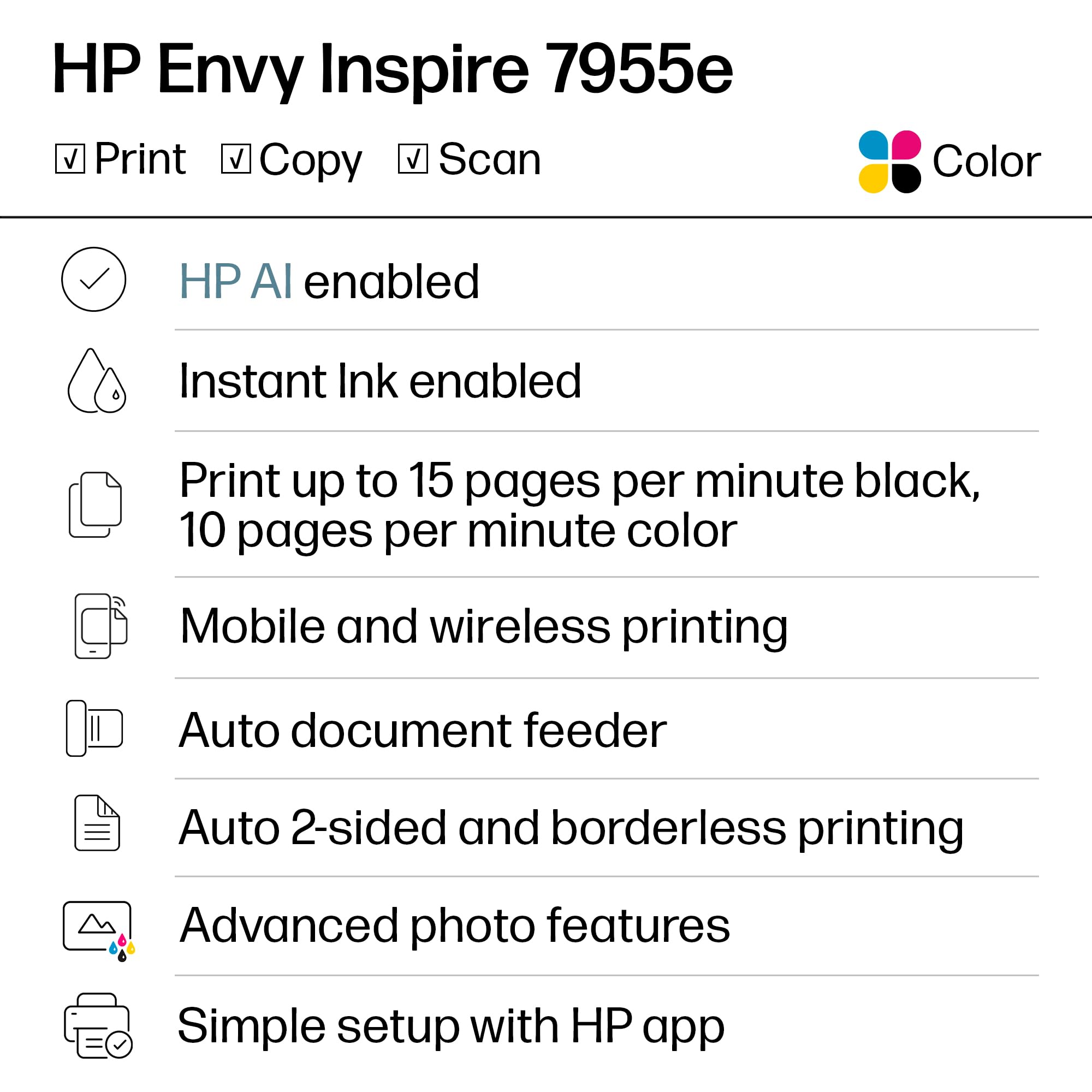
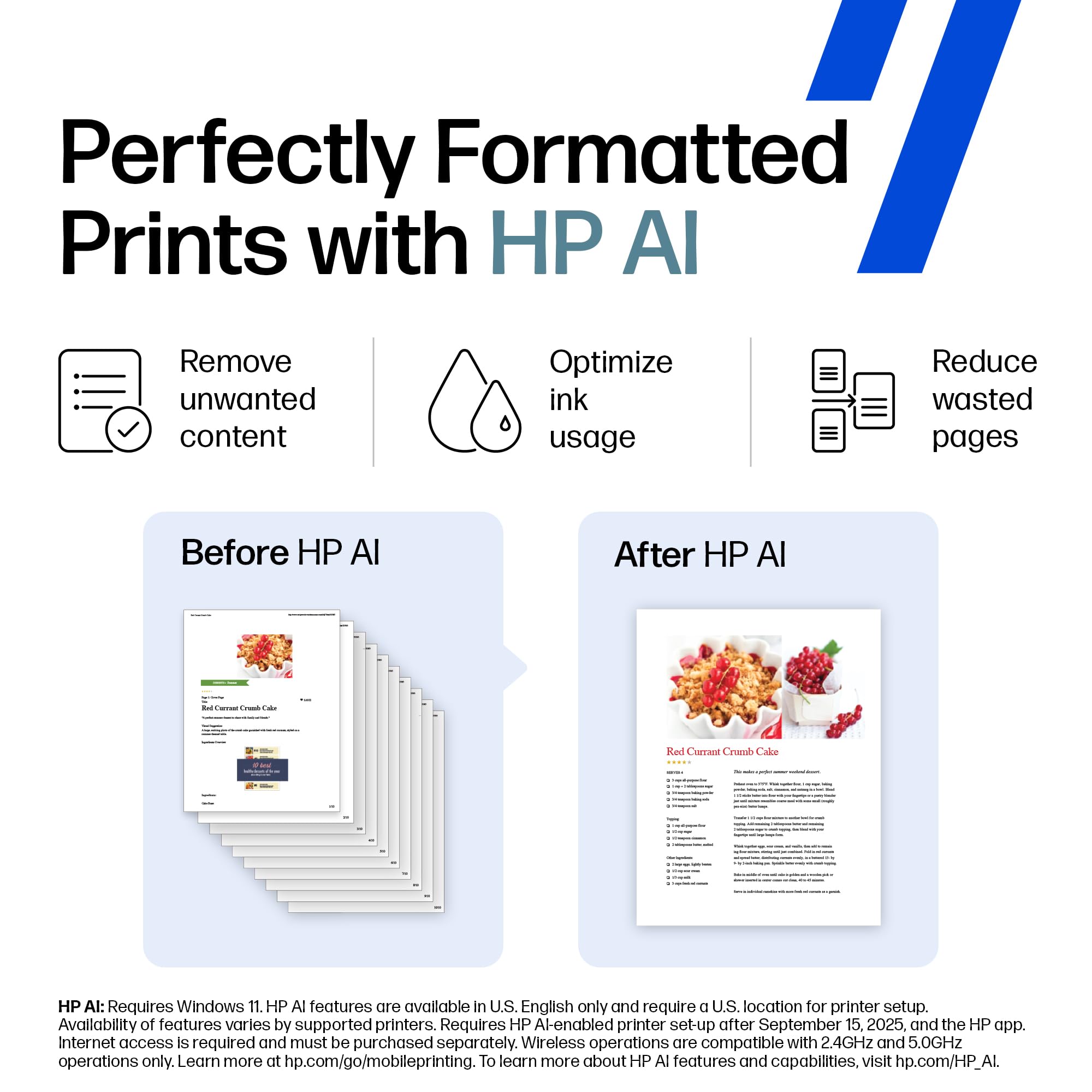
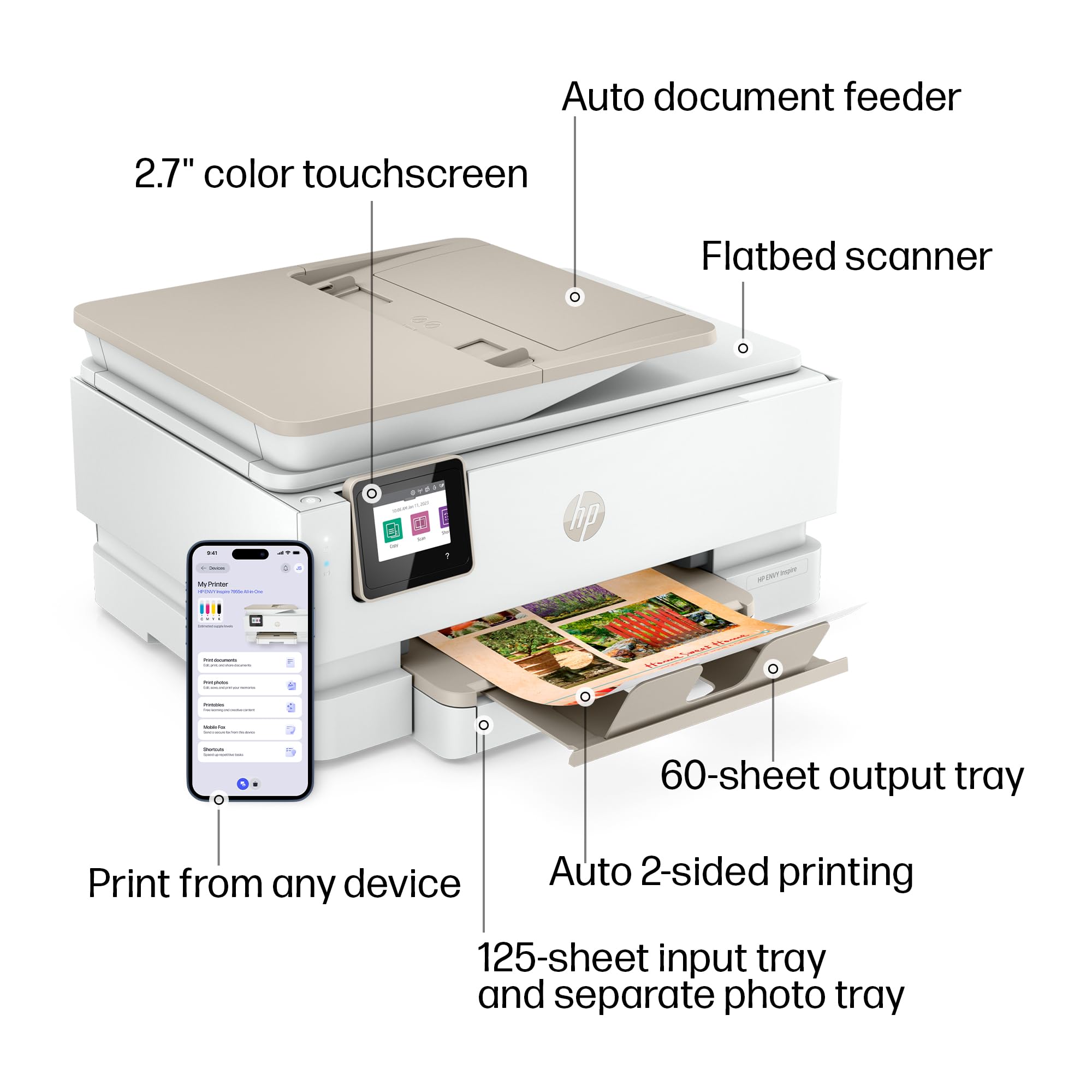
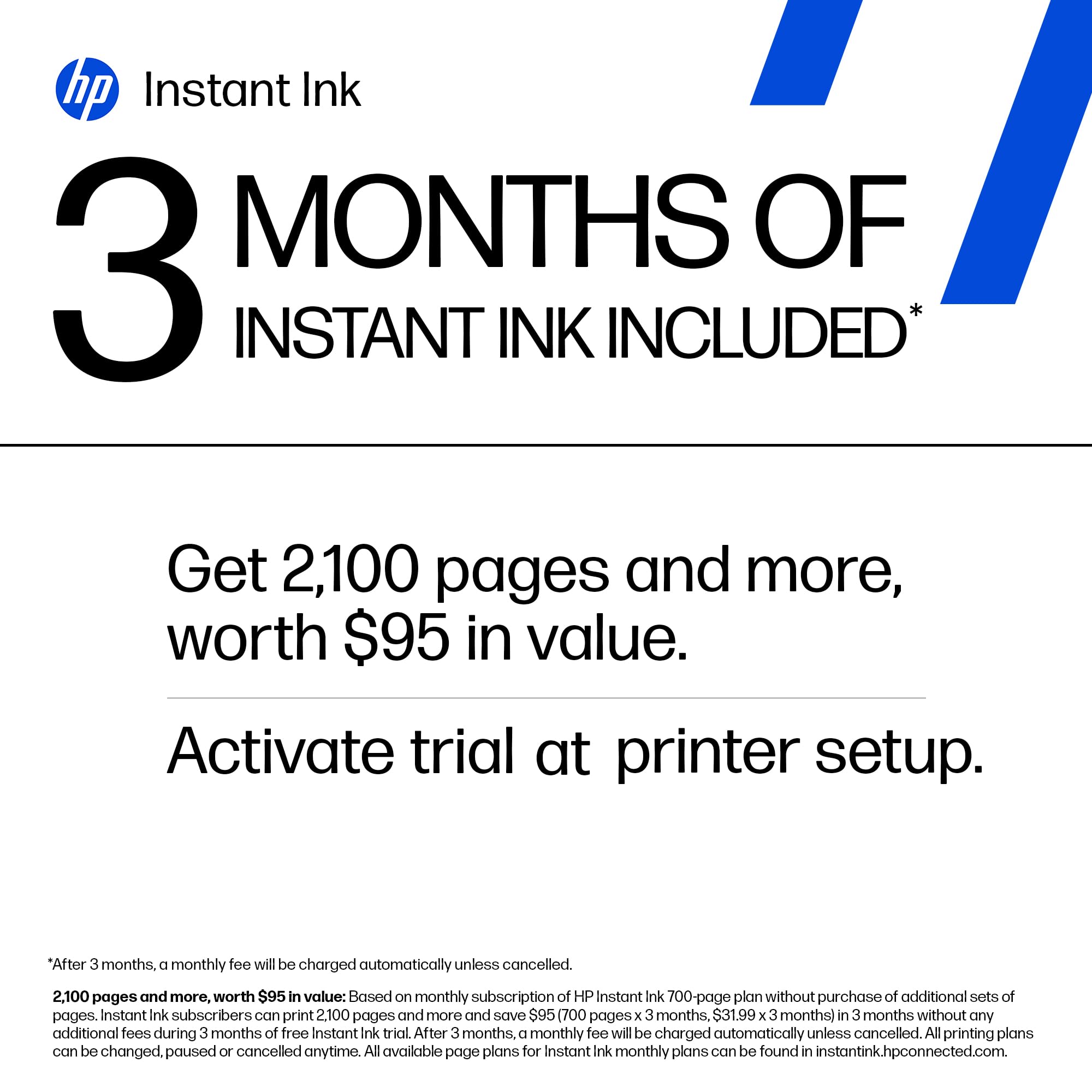
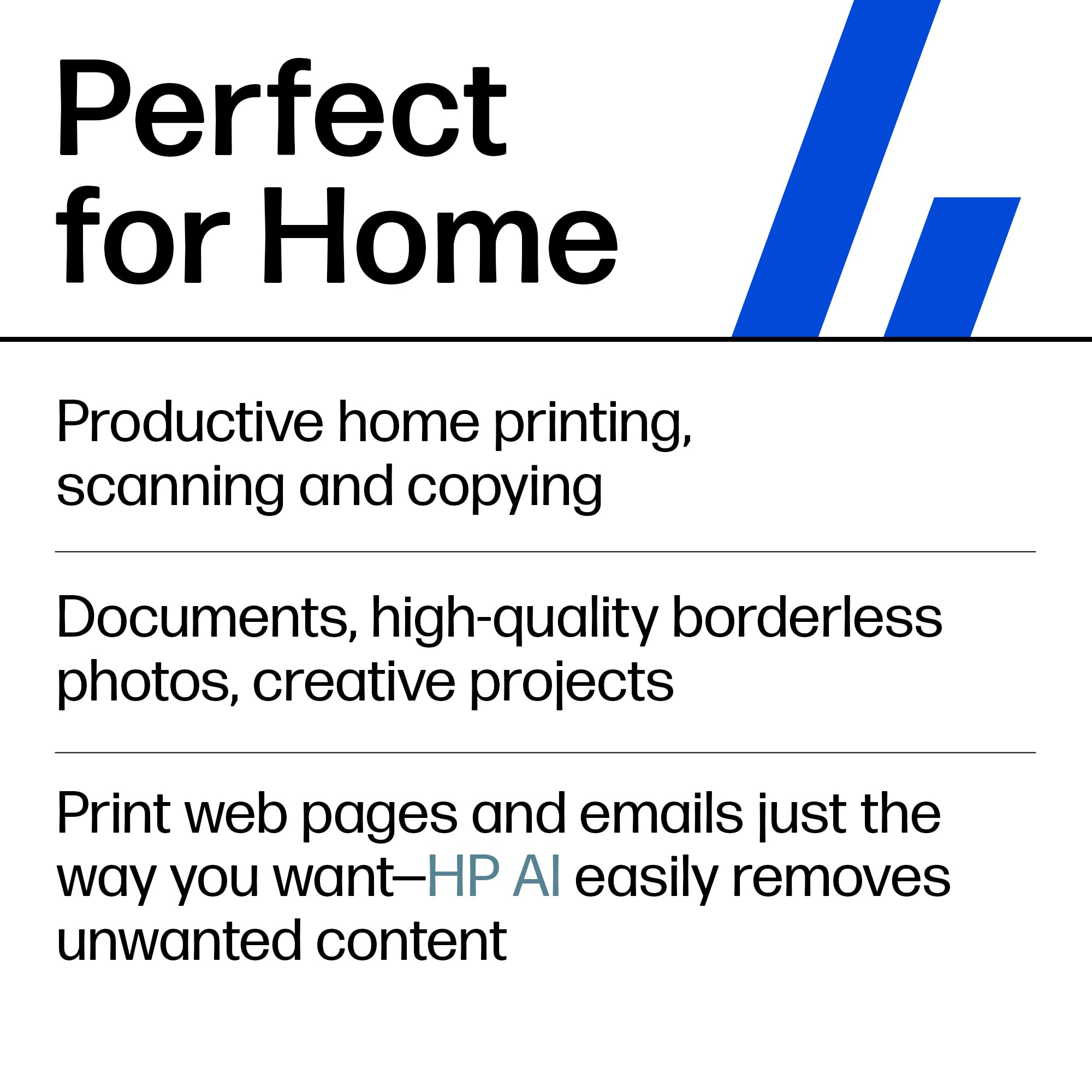
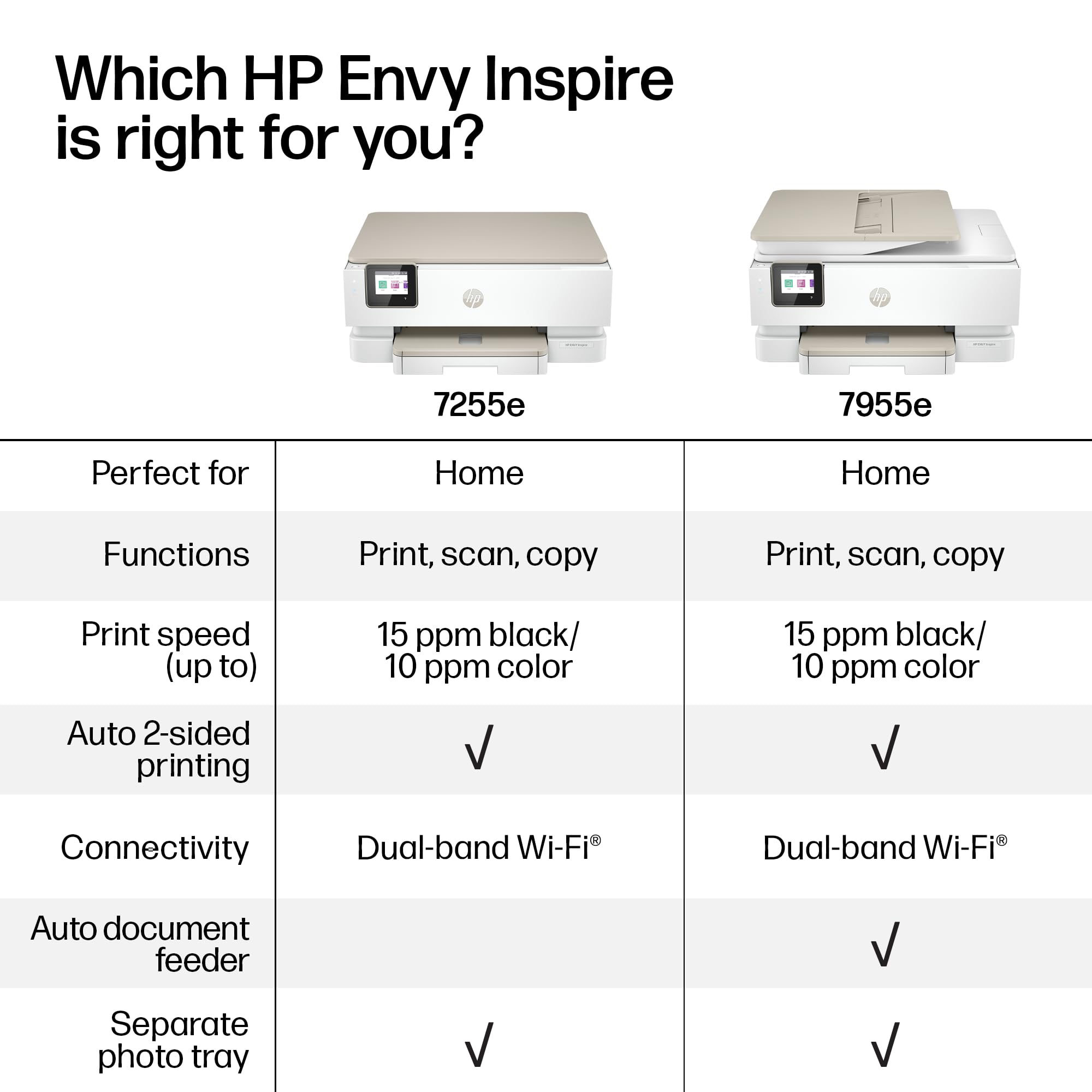
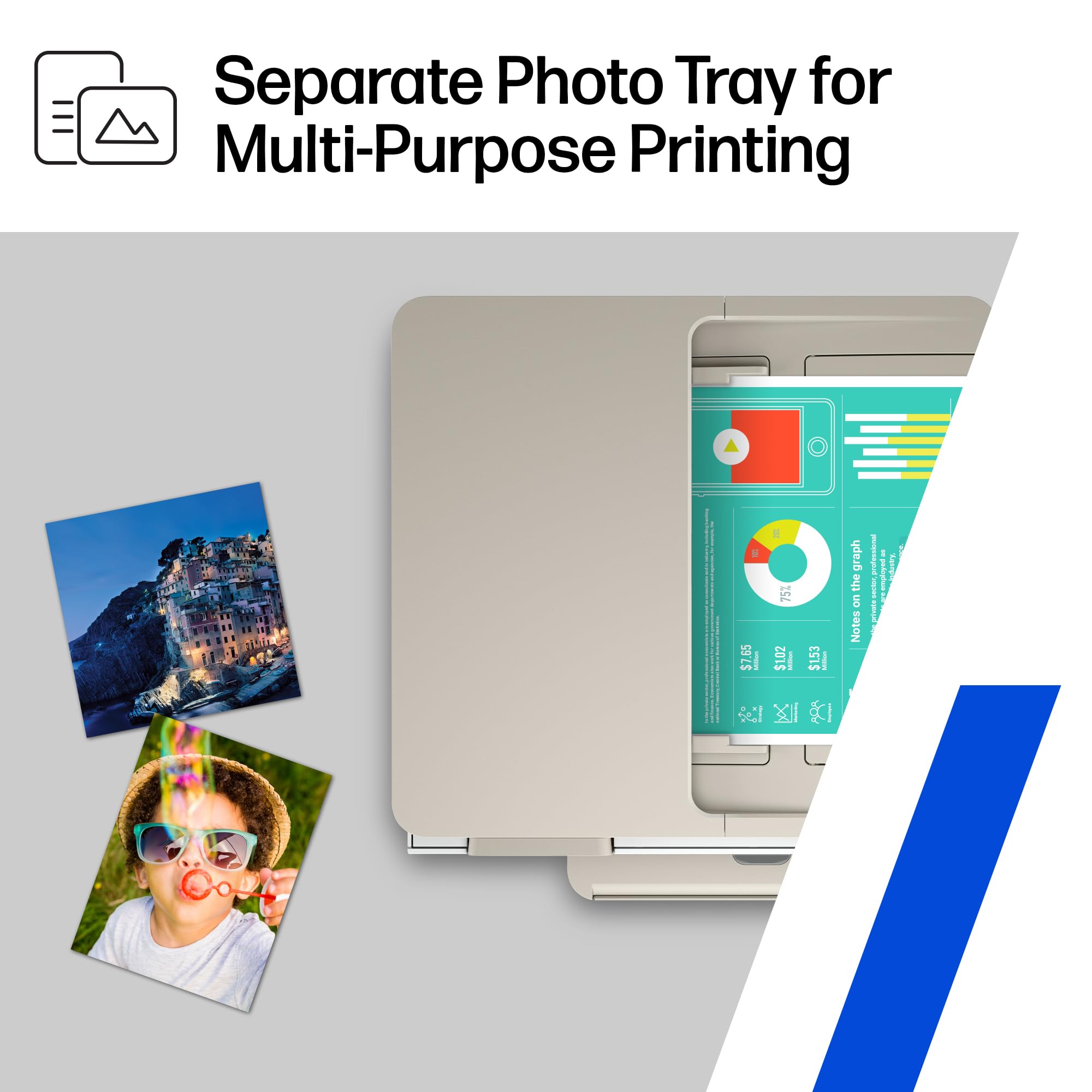
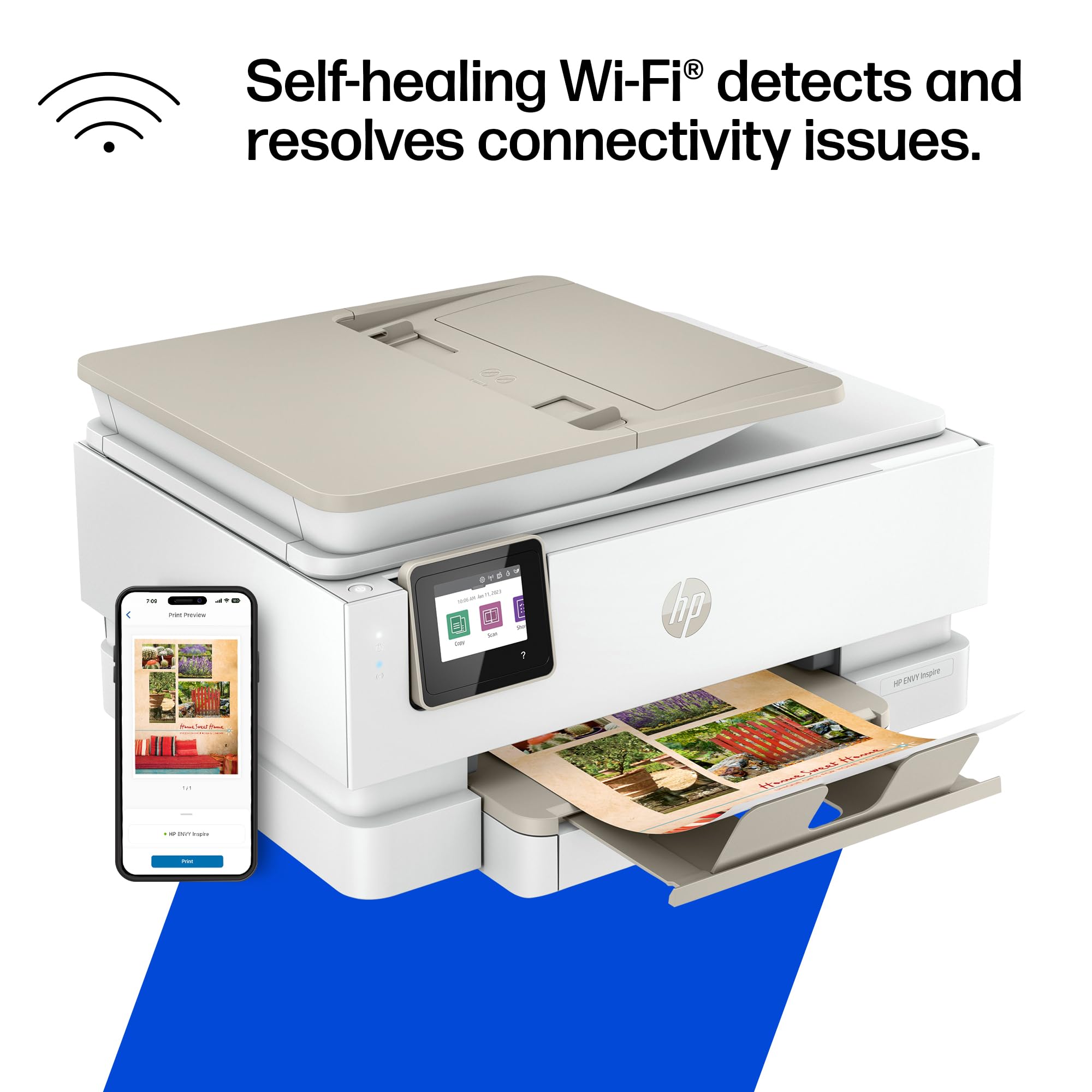
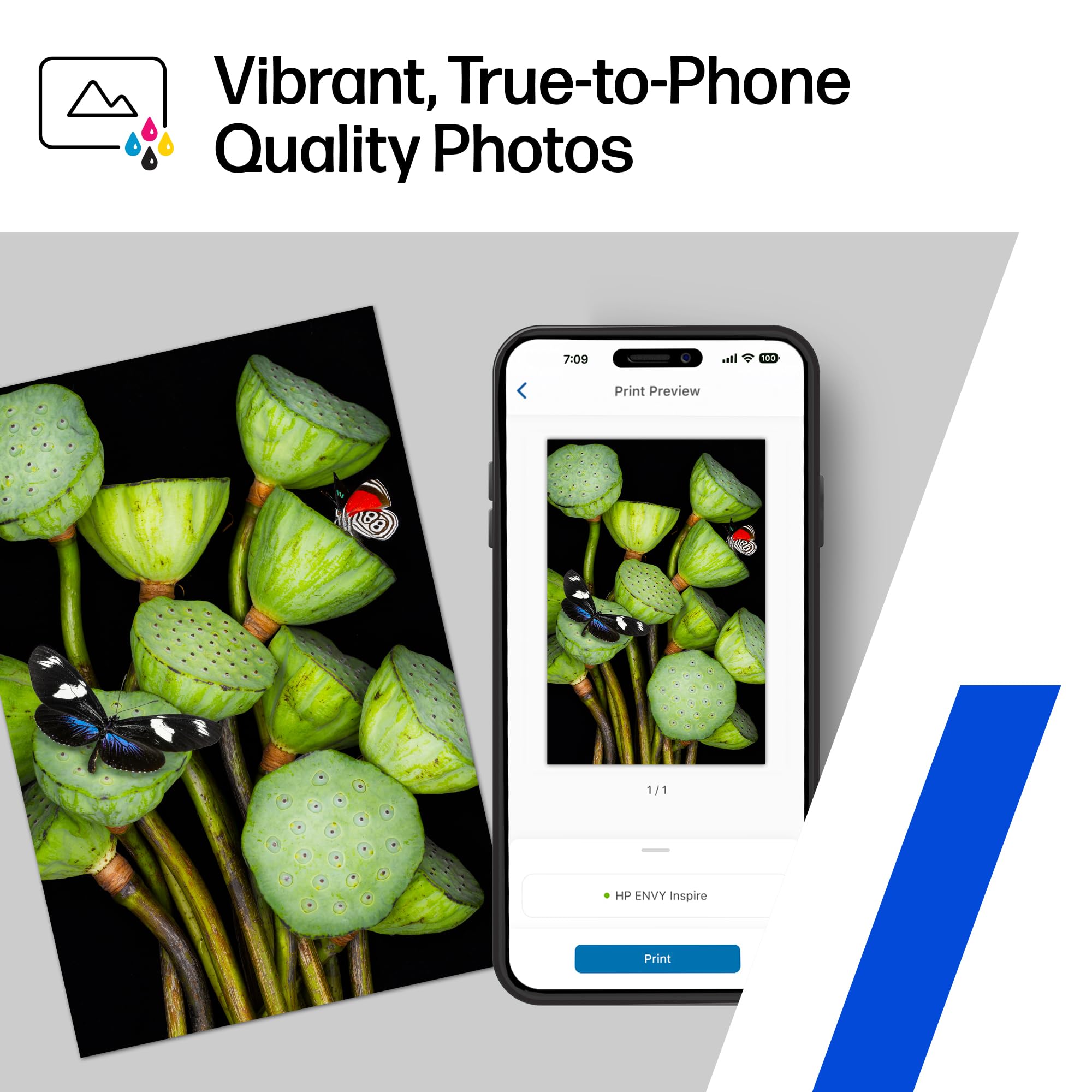
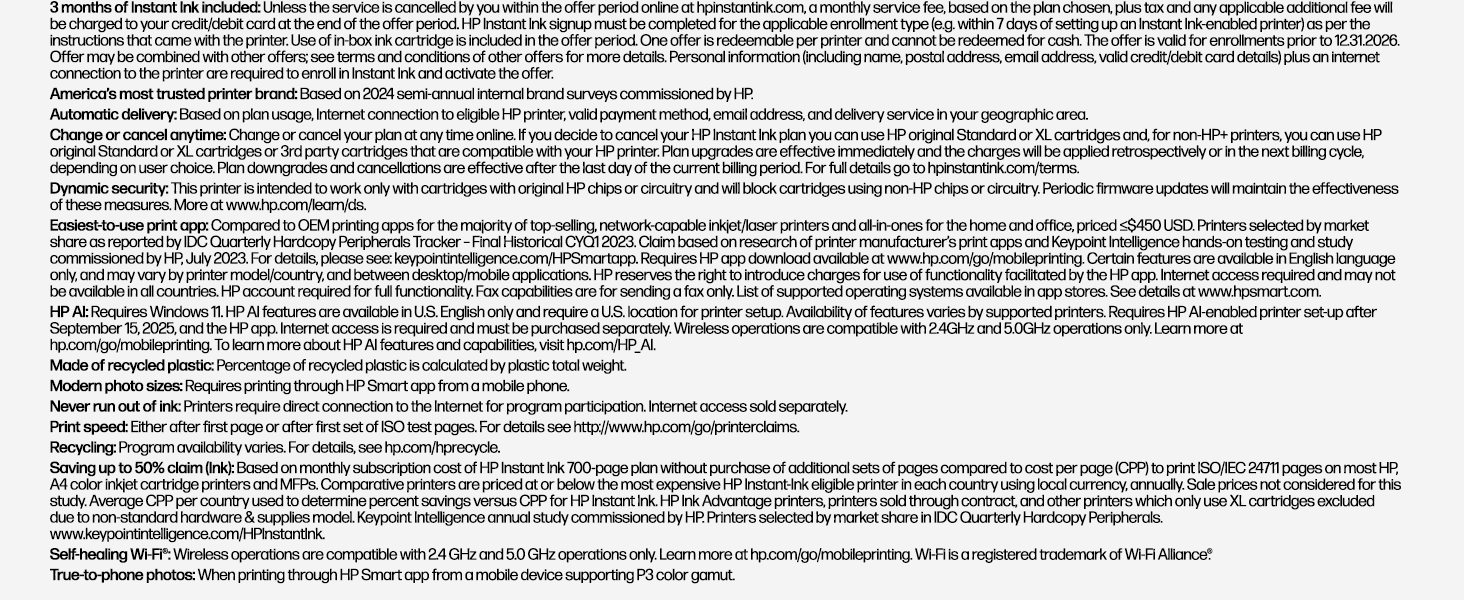
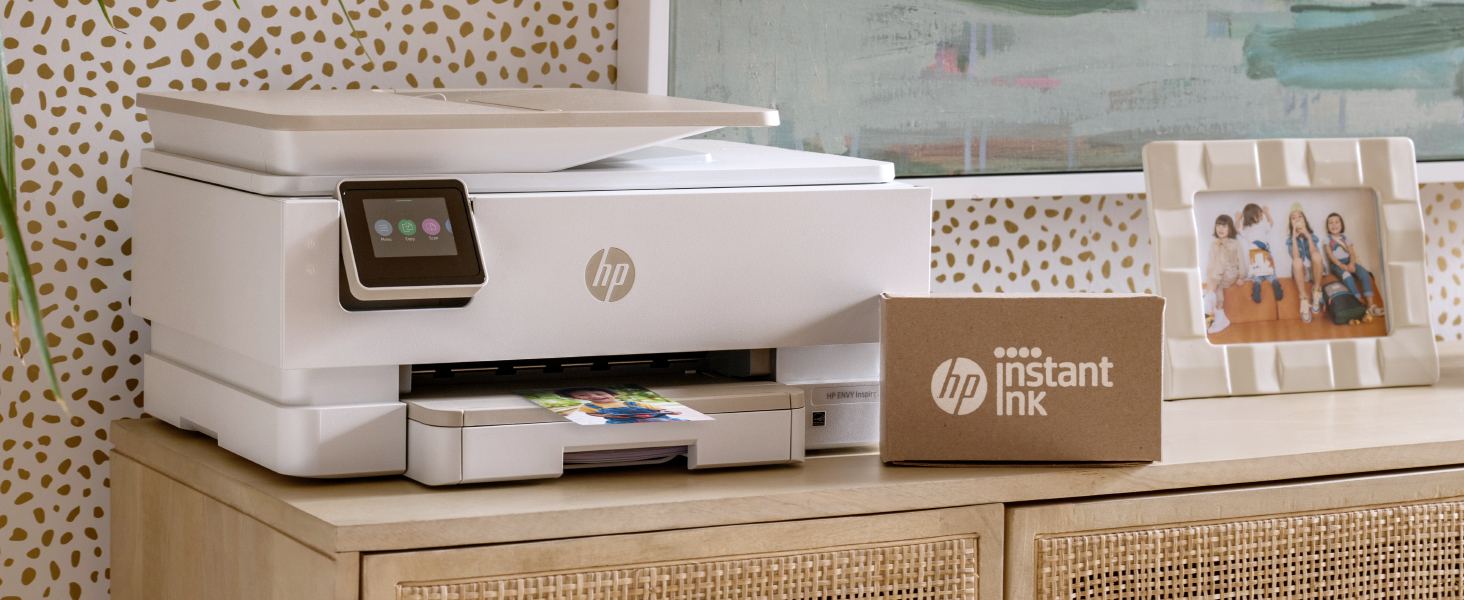
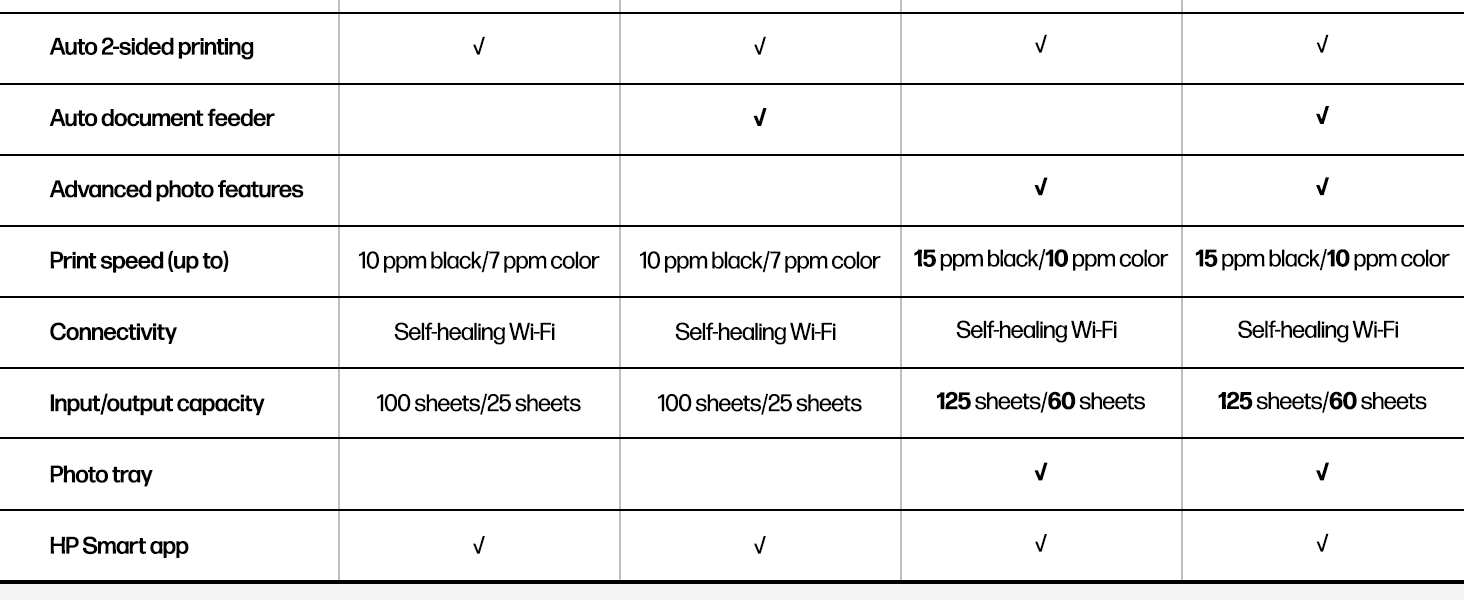
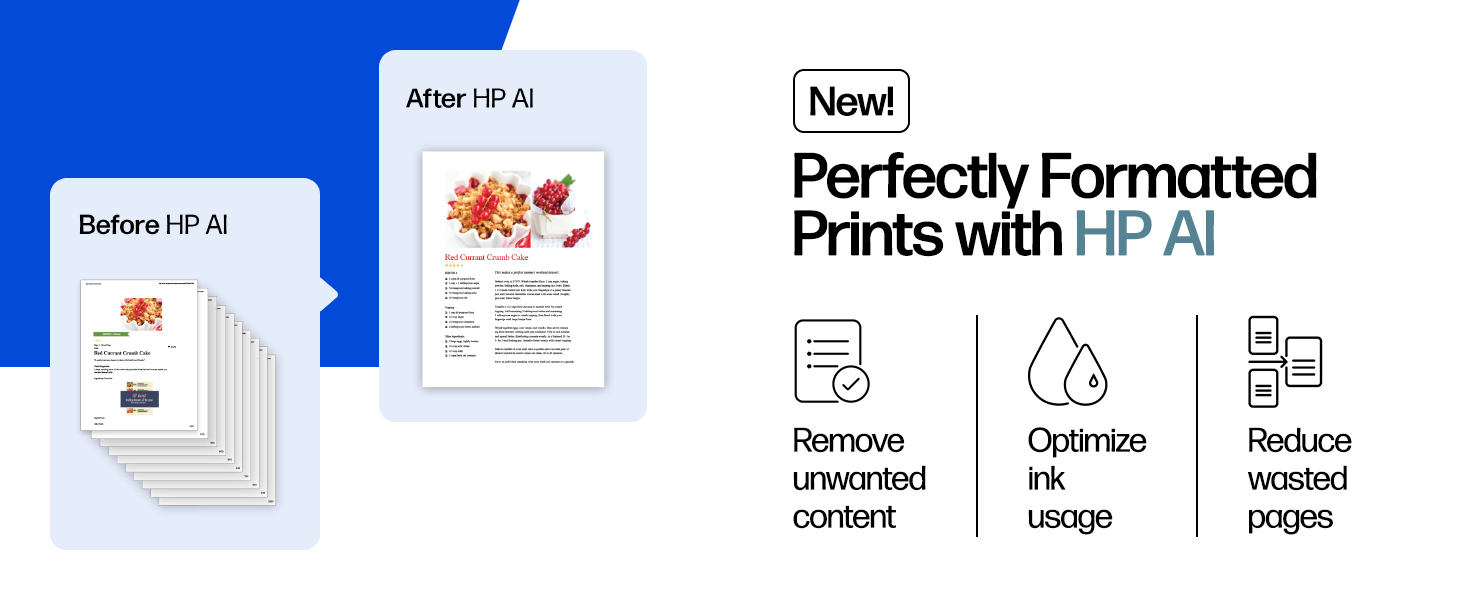
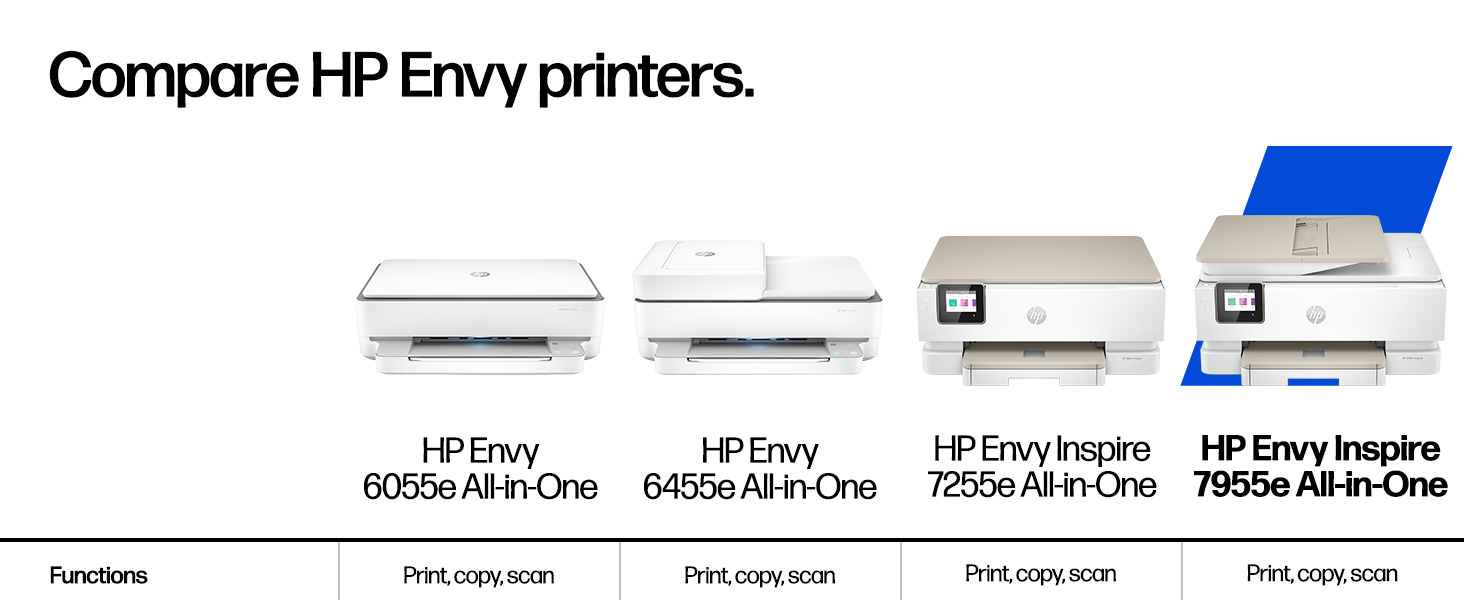
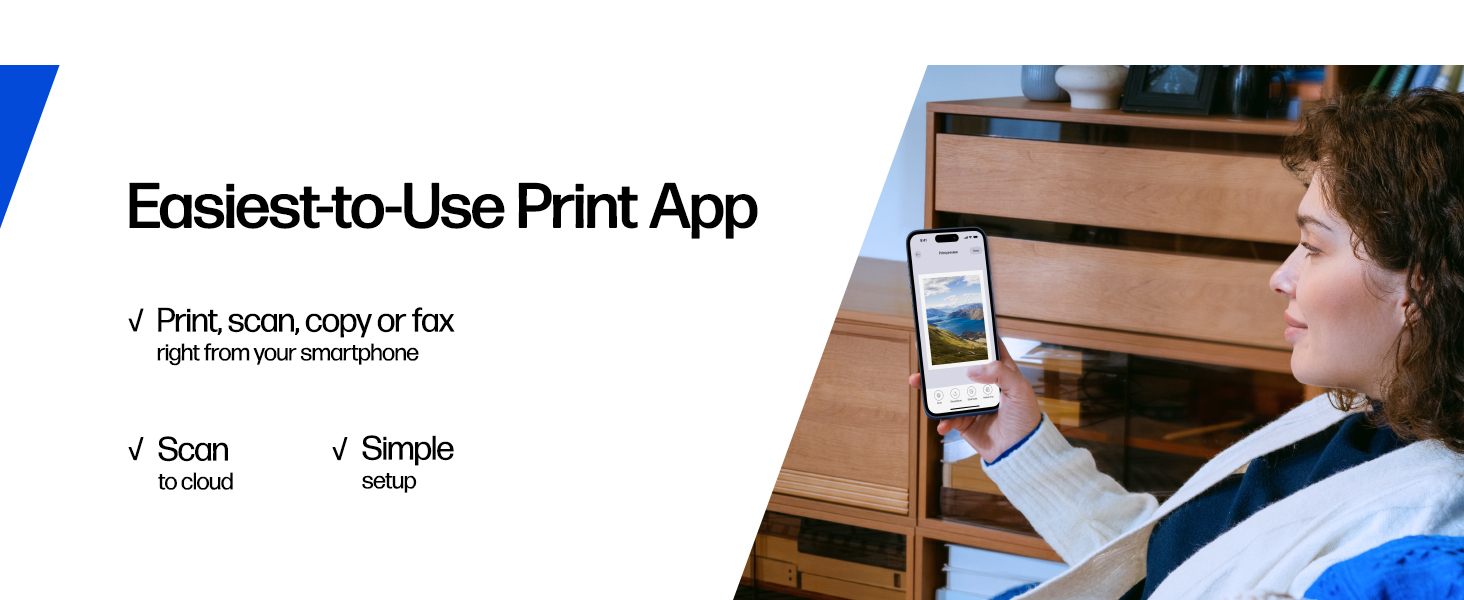
The HP ENVY Inspire 7955e is a versatile all-in-one wireless color inkjet printer designed for home use. It delivers fast print speeds up to 15 ppm (black) and 10 ppm (color), supports mobile printing via the HP Smart app, and includes 3 months of Instant Ink subscription for seamless ink replenishment. Featuring automatic two-sided printing, a separate photo tray for borderless photos, and a sustainable design made with over 45% recycled plastic, this printer combines high-quality output with eco-conscious innovation.


| ASIN | B09BBLN72F |
| Are Batteries Included | No |
| Best Sellers Rank | 139,115 in Computers & Accessories ( See Top 100 in Computers & Accessories ) 296 in All-In-One Printers |
| Colour depth | 24 |
| Compatible devices | Laptops, PC, Smartphones, Tablets |
| Connectivity Type | Wi-Fi |
| Controller type | Amazon Alexa, Android |
| Customer Reviews | 4.1 4.1 out of 5 stars (3,686) |
| Date First Available | 15 Nov. 2021 |
| Dual-sided printing | Yes |
| Form Factor | All-in-One |
| Guaranteed software updates until | unknown |
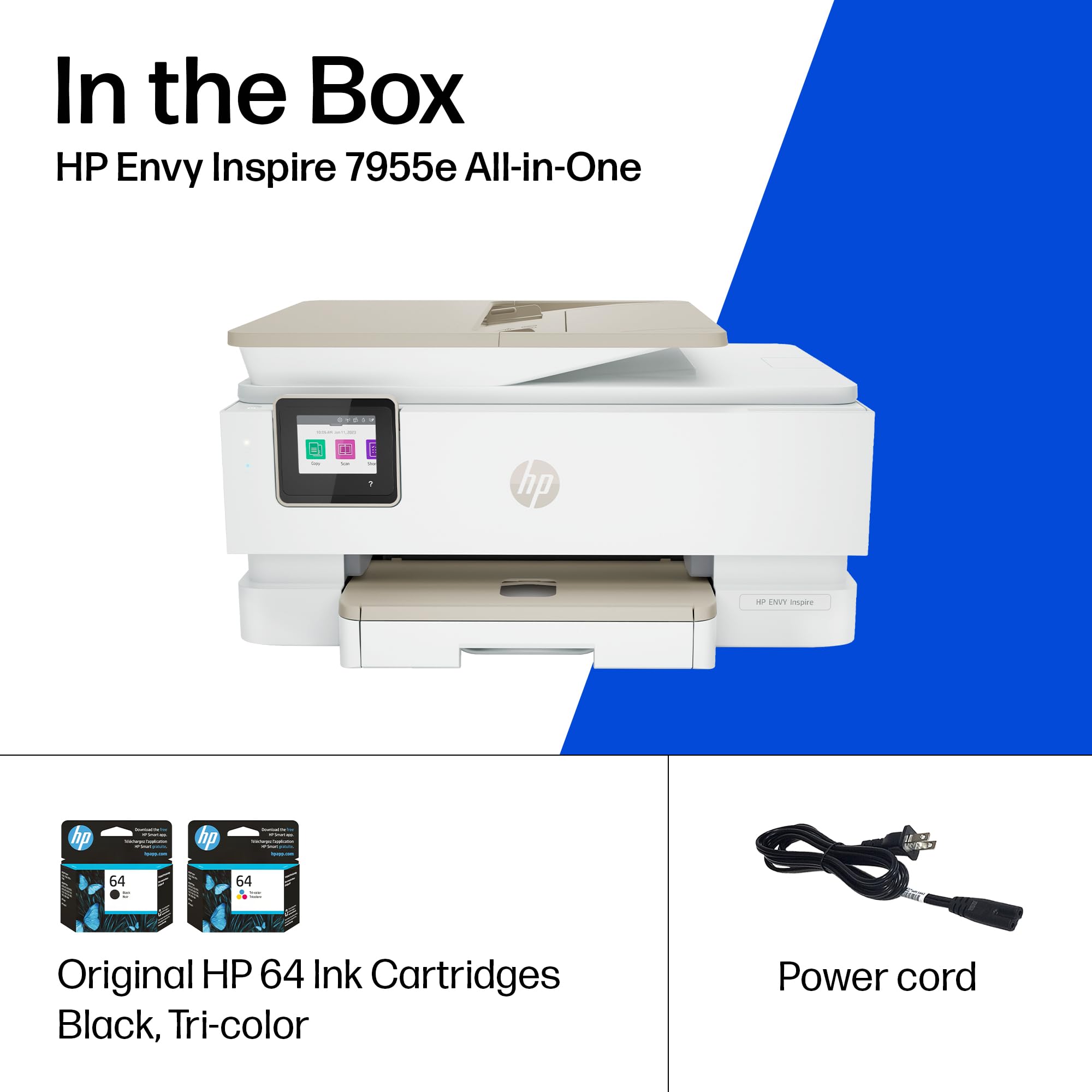
| Included components | HP ENVY Inspire 7955e All-in-one Printer; HP Setup Black Ink Cartridge; HP Setup Tri-Color Ink Cartridge; Power cord; Ink Caution Flyer; User guide; Setup poster; Legal Flyer |
| Item Weight | 8.12 kg |
| Item model number | HP ENVY Inspire 7955e |
| Manufacturer | HP |
| Max copy speed (black and white) | 13 ppm |
| Max input sheet capacity | 60 |
| Maximum Supported Paper Size | A4 |
| Maximum black and white print resolution | 1200 x 1200 Dots Per Inch |
| Maximum colour print resolution | 4800 x 1200 dpi |
| Maximum copies per run | 50 |
| Operating System | Chrome OS, Windows 10, Windows 7, macOS 10.13 High Sierra |
| Power Source | AC Supply |
| Print media | Card stock, Envelopes, Glossy photo paper, Labels, Paper (plain) |
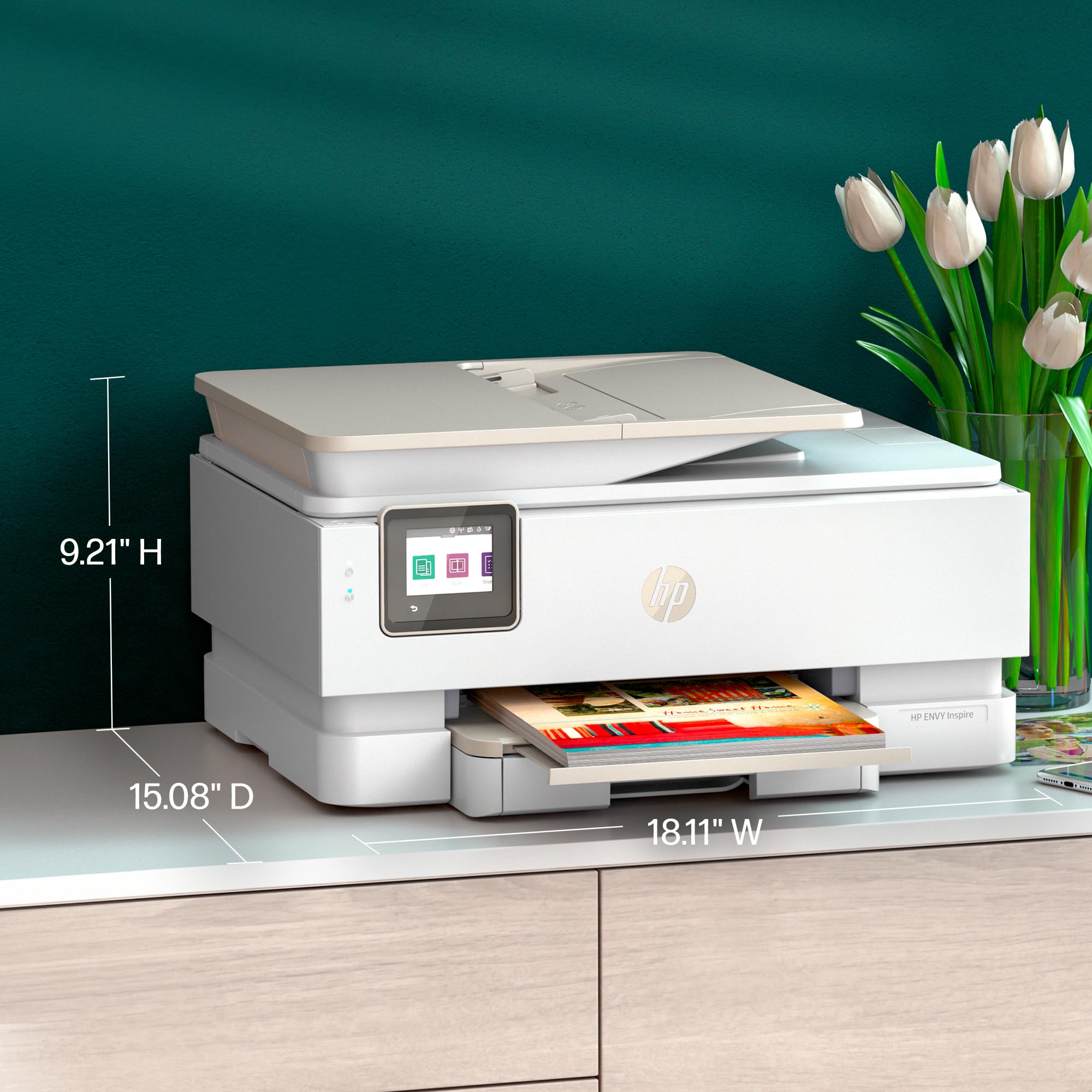
| Product dimensions | 38.3D x 46W x 23.4H centimetres |
| Scanner type | Flatbed |
| Sheet size | 3.85 x 8.5 to 8.5 x 14 |
| Standing screen display size | 2.7 Inches |
| Warranty type | limited warranty |
| Wattage | 1.02 watts |
A**R
I have many many HP printers in fact I could have a museum in my home. But today I needed to get the document feeder working on my latest HP Envy inspire 7955 e. For the life of me I couldn't figure this out and I've worked with printers for decades. So I had to call HP and it took the technician an hour and 32 minutes to figure out that the document feeder somehow or another Maybe affected by the ews embedded web server whatever. I'm simply might have missed it on the drop-down menu on the scanners preferences screen. Well he got it to work and it works very well. In the photographs there's a photograph of the printer and then I opened up the document feeder and show the switch which allows the document feeder to know that there is paper in the document chute.
A**E
This HP Envy Inspire is super easy to use! Prints, scans, and copies all work really well, and setting it up was a breeze. Connecting to Wi‑Fi and printing from my phone is quick and simple. Perfect for home use.
P**H
This printer was really easy to setup. The print quality is outstandingly sharp. I'm extremally happy with this purchase. I highly recommend this printer for your home or office.
M**S
got this printer. opened box and followed instructions. was unable to open the " cartridge door". turns out the " printer door has to be closed to open the cartridge door. This was resolved after chatting with the HP mobile support team. There could be a little note or focus put on this in the video presentation that accompanies the printer. Anyways, printer works great. happy with purchase... ( outside of the frustration related to set up and video chat!... if you ever do need the video chat support from HP, I will say that it is fabulous!)
N**E
HP has gone from a leader in printers to junk dealer from the physical printer itself, to the install, to the tech support, to the entire spectrum of what they could do wrong. If I had simply ignored all their instructions and help, especially the "HP SMART" software, I would have likely had this setup and working within 30 minutes. However, the setup guide said "install the REQUIRED HP Smart software" (it was in bold in the instructions). It was a confusing, complicated, install that was mostly a hard hard sell for instant ink and kept requiring me to give info. It never gave me any opportunity to give my own name to the printer, my own IP address, turn off feature such as Wi-Fi direct. When I called the HP support it went from an automated voice insisting I give my serial number and not finding it thus dropping me. Going online and entering my just activated serial number from a package I received today to something that has already lost two months of warranty? WTF? And now I supposed to provide evidence that I just got it? Doesnt the fact the serial number was just activated prove that. I was dropped not once but twice after calling tech support. After going thru at least 4 separate phone calls, I finally got a tech who said I didnt need to install the allegedly required HP SMART and could have set it up from the screen, download he few drivers, used the embedded web service, and did it all easily. So after cleaning it all off, reconfiguring to my needs, and thinking I am all done, the HP Support goes down so now I cant even download drivers. I have an HP Laserjet 4 built in 1995 (yes 1995) that still works fine. I had a Office Jet Pro that lasted 10 years (which you couldnt even get a repair manual for). I then bought another Office Jet Pro that worked fine for 5 years and then the printhead died and they dont make the part for it. Now I have this one which I cant even get to work. All HP wants to do is sell cheap printers and expensive ink. I will never purchase another HP product PS: Even after an additional half dozen phone calls, my hardware warranty was put to the proper place but inexplicably is now set back to original incorrect date. I have returned the product and am now using an old canon printer
Trustpilot
2 months ago
1 day ago