
DOWNLOAD THE APP


Customer Services
Copyright © 2025 Desertcart Holdings Limited
DOWNLOAD THE APP
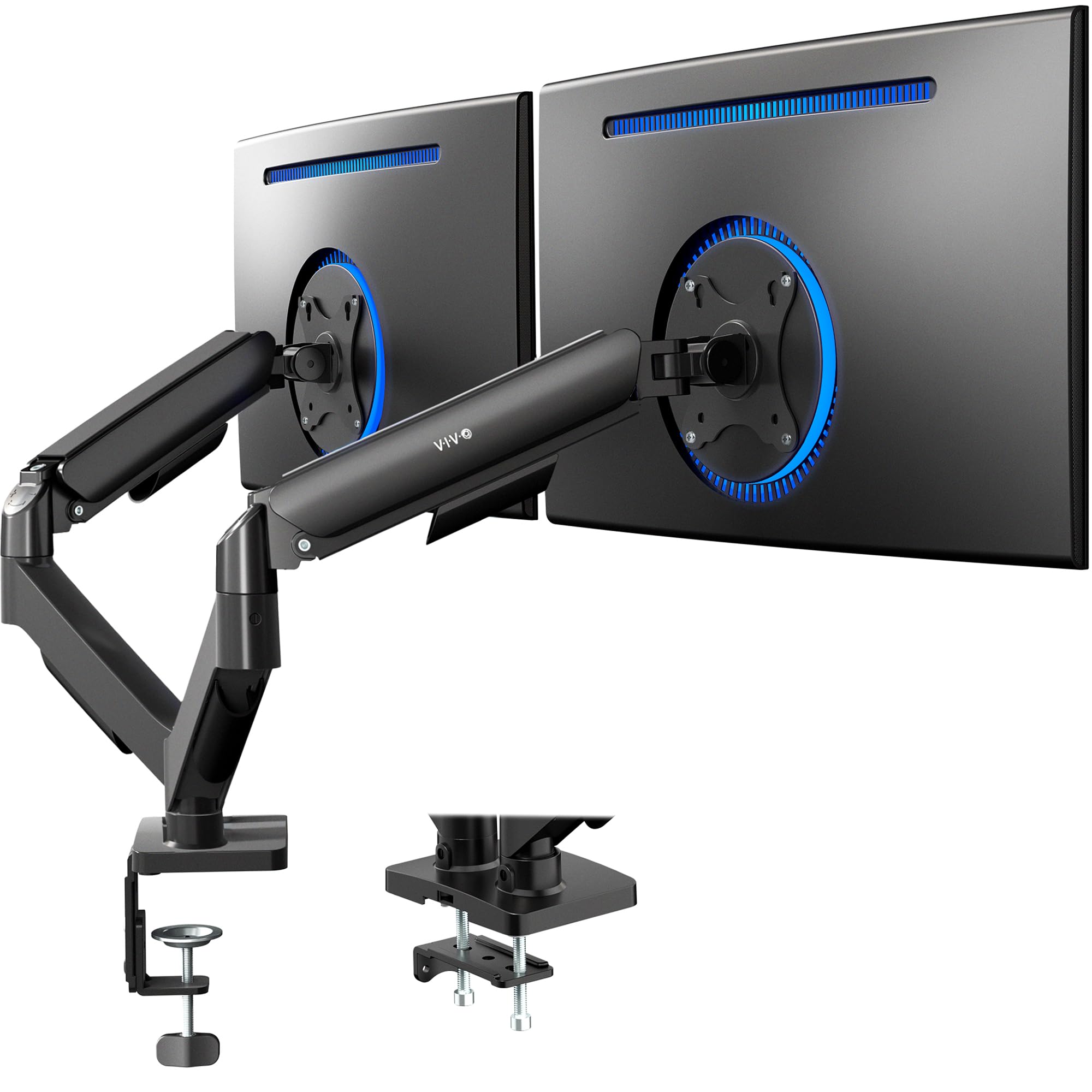
🖥️ Elevate your workspace, dominate your day — dual monitors, zero compromise!
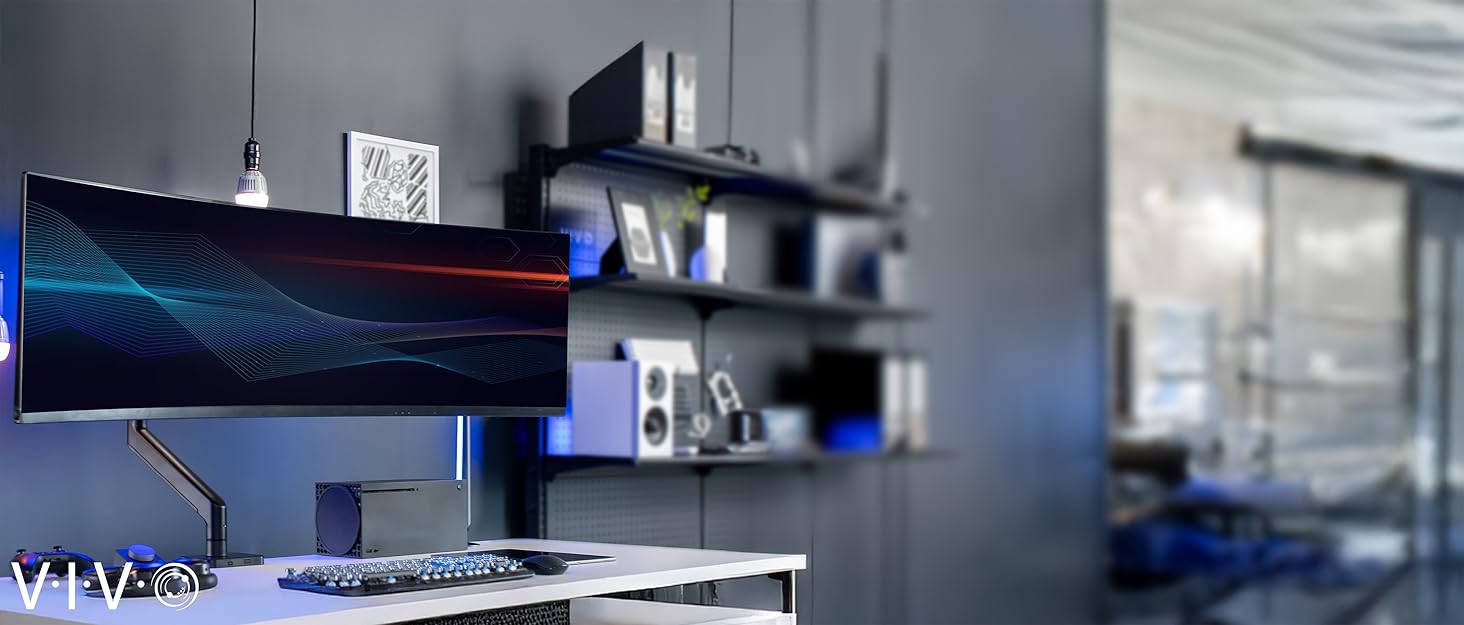
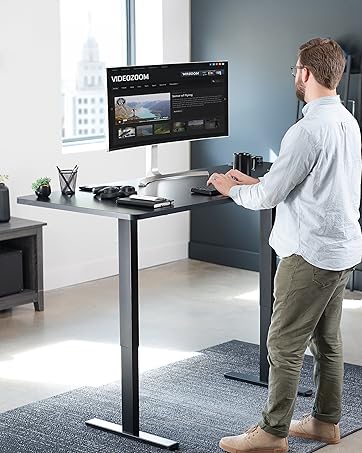
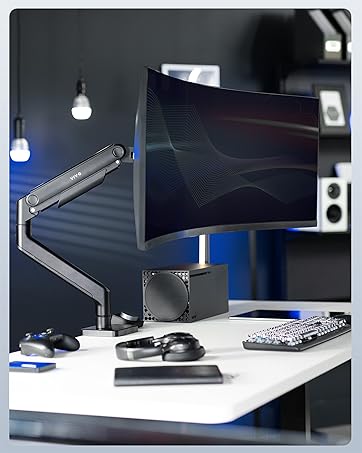
The VIVO Dual Monitor Stand is a versatile, fully adjustable desk mount designed for 17 to 32-inch monitors weighing up to 19.8 lbs. Featuring mechanical spring arms for effortless tool-free adjustment, it offers extensive tilt, swivel, and rotation capabilities to create the perfect ergonomic setup. Its heavy-duty mounting options save desk space while providing rock-solid stability, making it ideal for both professional and gaming environments.





| ASIN | B01N2YFO5Z |
| Best Sellers Rank | #6 in Computer Monitor Arms |
| Customer Reviews | 4.4 4.4 out of 5 stars (5,100) |
| Date First Available | December 28, 2016 |
| Is Discontinued By Manufacturer | No |
| Item Weight | 9.04 pounds |
| Item model number | STAND-V002O |
| Manufacturer | VIVO |
| Package Dimensions | 15.07 x 6.97 x 4.8 inches |
A**L
Pretty good overall, would buy again
works if you want your monitors in one position only or viewing angle. Not as much range of motion as you would like. very easy to install. very sturdy, monitors will not move or fall. perfect size for my medium sized desk
A**X
Outstanding quality for the price, Just make sure you have room between desk and wall
This is an amazing monitor arm for the cost. I checked a lot of longevity and quality focused online forums for recommendations on monitor arms that didn't suck, and I'll say that these don't disappoint, at least so far. They don't sag or otherwise move in a way you don't want them to after you've positioned them, they weren't terribly hard to assemble either, and they've got a great range of movement in all directions, whether you need them to just be higher up, or way further back from your face. The base takes up about 2 inches of space forward into the desk, and doesn't feel obtrusive. It's holding my relatively heavy monitors, with extra weighty cables, and can take a bit of downward or upward pressure from my hand on top before it begins to move, so it's definitely very sturdy. One thing you MUST be aware of though, is that if you have your desk close to the wall, this will have to push your monitors closer to you, since the arms extend backwards if you push the monitors away from you. Think of a "W" shape, where the two points at the bottom of the W are the back of the arms. Pushing the monitors further away makes it more of a point, and pushes that point further back, meaning it could bump into your wall if your desk is too close. Give your wall and your desk some room where possible.
J**R
EZ assembly and adjustment
High quality monitor arm that works well for my 24” TV (as a computer monitor) … easy assembly and adjustment of tension.
N**G
Dual Monitor Stand Installed, Good Stand for the Price
This is a good dual monitor stand for the price. While I was assembling the monitor stand with the two monitors, I found it easy to adjust the tension on the screws to put the monitor where I wanted them. The two monitors are off the desk, providing me more desk space, and at the level of my eyes where I am not bending my neck down. This should help me avoid neck pain problems or stiffness. Adjusting these monitors after installation is easy, the motion range for more custom adjustments is good. The monitor stand seems sturdy and stable where the monitors are not moving from vibrations. My rating would be 4.5 out of 5.0. There were a few screws missing from the package and the Large Pad missing. I found something to substitute the missing large pad to avoid scratching my desk.
E**D
Returned, but is still a good product if it fits your use case
Pretty easy and straightforward install. Felt sturdy and worked well. I did end up returning because I couldn't angle one monitor how I wanted. The mount works well to keep to monitors flat against each, however I wanted to have one monitor offset at an angle and the arms weren't long enough to be able to do with without the monitors interfering with each other. I went with two single arms instead and the setup works much better for me. I used 2 27" inch monitors, so perhaps with smaller monitors I could angle them how I would want. With that said though, if you want you monitors to be positioned flat against each other, this mount will be fine. Hindsight 20/20 for me, but if you want to have one monitor angled differently and have more positioning options, just get two single mounts instead. For what this product is though and how it works, it's pretty solid for the price.
W**A
Fantastic arm, highly recommended!
Update 1/27/26: After nearly EIGHT years of dutiful service, my Vivo arm has started to show some issues. Six months ago, I found the monitor resting against my desk and simply tightened the adjustment mechanism to it's highest setting, making it like new again. Today, I found it resting on my desk again and since it was already maxed out from the last repair, I knew it was done for... or so I thought! If you are running into issues with it keeping tension, here's what I did: 1. Set the tension to the LOWEST setting. Using a drill or electric screwdriver really helps here because there is a HUGE amount of adjustment. 2. Let the monitor physically droop as LOW as possible. This will fully compress the tension arm. 3. Lift the monitor arm as HIGH as possible. This will fully extend the tension arm. 4. Set the tension as needed. For me, I set it to the HIGHEST setting (extending the tension arm even further). I spent more time figuring out the process above than actually executing it. Needless to say, this monitor arm is STILL kicking! I'm sure it will drop again in a few months as the tension arm leaks pressure, but it's good to know that it's still going and I don't have to buy another one (yet)! Needless to say... super happy with this arm and I highly recommend Vivo to everybody I know! Original review from Mar 22, 2018: I purchased a Dell S2417DG from MicroCenter for the low price of $300 (24 inch 1440p 144hz monitor with G-Sync) because I desired a higher refresh rate while gaming. My Dell UltraSharp U2415 was less a year old by this point and had served me faithfully in that time. Not wanting to sell or giveaway a perfectly good monitor, I opted to mount it with this arm because I lacked the real estate on my desk. This arm comes with two sets of mounting equipment and all the necessary screws to put it together. One is the table clamp style mount, where it physically mounts to an edge of your desk. The other is the hole style mount where you would put it through a cable management hole on your desk. I went with the table clamp since my desk doesn't have any cable management holes. The arm is shipped in it's retracted state and is locked in place with a strong zip tie. On it, there is a warning label that the arm will expand once you remove the zip tie so you don't get hit. Noted this and saved my face from potential injury. I know with arms like these, the issue isn't the size, but the weight of the monitors. I made sure to weigh my monitors so that they were within the weight limits of this arm (14.3 pounds per the product info). I don't have a fancy scale, so I simply used my digital bathroom scale to weigh the monitor by itself. I also weighed myself with and without carrying the monitor just to be sure. Without the stand, both the U2415 and the S2417DG weigh exactly 8.4 pounds. The cable management grooves are a nice touch and help keep wires out of sight. If you plan on rotating the monitor screen between landscape and portrait, make sure to leave anywhere between 6 to 10 inches of slack between the monitor and the first set of cable management grooves. Otherwise, the cables may pull out of the monitor when you try to rotate it. All in all, this is an excellent mount. With the stock tension setting, the mount moves up and down with near zero effort. I do wish it was just a little bit taller so that I could do a dual vertical setup. Even with the S2417DG at the lowest setting and this arm at it's highest, it's still about 6 inches too short.
J**R
This monitor is excellent for its price point. I ordered two and have been using them for the last month. Easy to assemble and easily supports my LG 27" screen which weighs roughly 6kg. The hinges are adjustable too and can loosen a bit to find optimal position of your monitor depending on your preference and then tighten to ensure it does not move from there. The only draw back is it was a bit awkward to tighten the main desk bolt to the desks I currently have and thus the clamp does pivot slightly when really trying to tighten the bolt excessively in the awkward position but so far it has held up well regardless and this has not proven to an issue at all.
B**Y
Lasted about 5 months before failing on me, monitor tilted to the side, almost broke the screen and I got it working for another 2 days by tightening the screws to hell but 2 days later it fell over again. Don't buy cheap monitor arms. If you just need it temporary then I guess it would be fine but for the price you can do a lot better.
K**N
I'll start with the main stuff - it works, it's pretty, the cable management is good, the motion is smooth, and it doesn't sag with my 27" Asus monitor. Well, mostly. 2 problems - angling it upwards doesn't really hold that well, and the most annoying thing - you can lock the level of the monitor. It sounds like a non issue, but it is - every time you want to move the screen you will almost inevitably ruin the level of the screen, since rotation is so sensitive. For the price it's still a good offer, but inability to really lock in rotation for me kind of ruins experience.
C**E
1) Impossible de faire pivoter les écrans à la verticale. 2) Si le serrage du pivot d'écran est sécuritaire, le mouvement verticale (pivot de bas en haut) se bloque et l'écran reste dans la position définitivement , donc si vous l'avez monté et qu'il pique du nez , c'est foutu pour toujours. 3) la couleur blanche est plutôt couleur vanille, à la rigueur, çe point est le moins gênant. 4) les ranges cables intégrés sont périmés/obsolètes. Impossible de passer les fils des port DB ,on ne peut faire passer que de l'USB .. super nul pour des câbles d'écrans larges....
S**L
Dont buy this as this does not support your 27 inch monitor as it fall down.
Trustpilot
2 weeks ago
3 weeks ago