
DOWNLOAD THE APP


Customer Services
Copyright © 2025 Desertcart Holdings Limited
DOWNLOAD THE APP


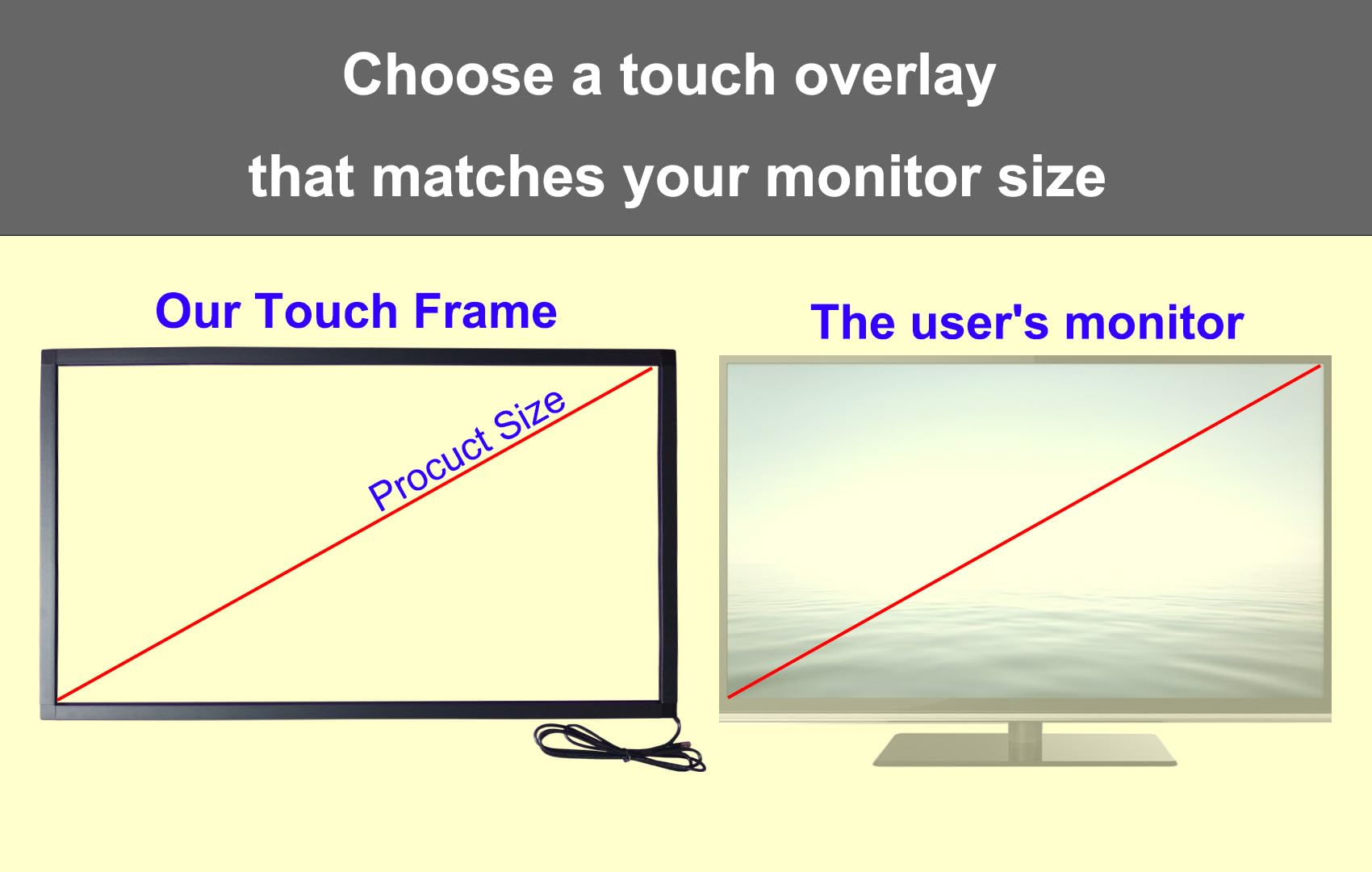
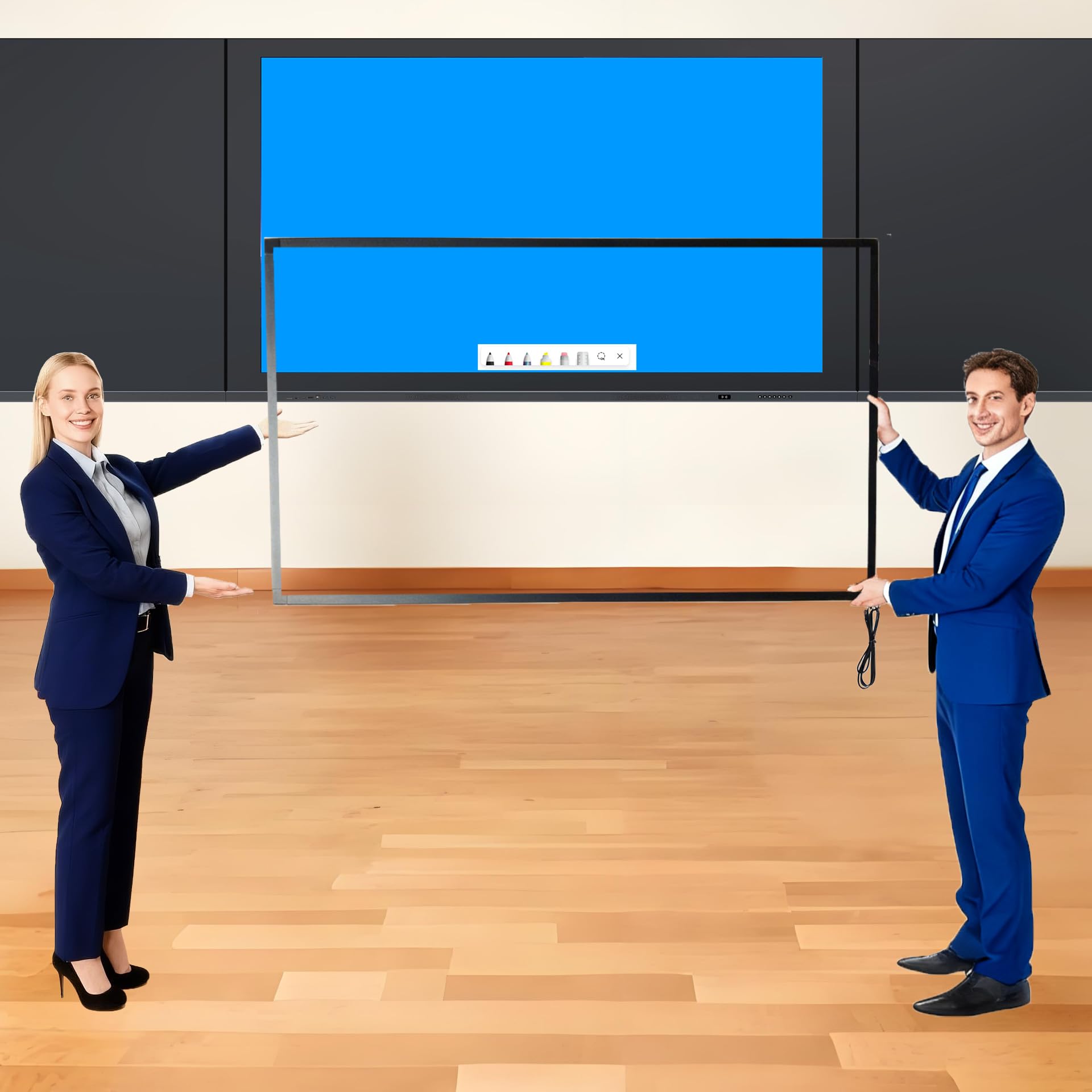

🚀 Elevate Every Touch — Make Your Screen the Ultimate Interactive Hub!
The Chengying 75-inch Multi-Touch Infrared Touch Frame upgrades any compatible display into a dynamic, 10-point touch interface with plug-and-play USB connectivity. Designed for professional and educational settings, it offers ultra-responsive infrared technology with a sleek, easy-to-install frame that supports Windows, Mac, and Android OS without drivers. Perfect for whiteboards, kiosks, and conference rooms, it transforms static screens into collaborative, interactive experiences.


| ASIN | B085Y5JQZP |
| Additional Features | Touch pointing device, No monitor No screen |
| Aspect Ratio | 16:9 |
| Best Sellers Rank | #114,297 in Office Products ( See Top 100 in Office Products ) #15 in Presentation Electronic White Boards #431 in Computer Monitors |
| Brand | Chengying |
| Brightness | m2 |
| Built-In Media | USB port |
| Color | red |
| Compatible Devices | Computer |
| Connectivity Technology | USB |
| Customer Reviews | 4.1 out of 5 stars 479 Reviews |
| Display Resolution Maximum | 7680 x 4320 |
| Display Type | LCD |
| Hardware Connectivity | Infrared, USB |
| Has Color Screen | No |
| Item Dimensions D x W x H | 0.37"D x 7.48"W x 3.74"H |
| Manufacturer | Chengying |
| Model Name | Chengying 75 inch Multi-Touch 10 Points Infrared Touch Frame |
| Model Number | dbdc91c8-44eb-4316-aea2-c83655b10bf8 |
| Mounting Type | touch screen |
| Native Resolution | 32768*32768 |
| Pixel Pitch | 5 |
| Power Consumption | 2 Watts |
| Refresh Rate | 450 Hz |
| Resolution | 4K UHD 2160p |
| Response Time | 10 Milliseconds |
| Screen Finish | Glossy |
| Screen Size | 75 Inches |
| Screen Surface Description | Glossy |
| Shape | Rectangular |
| Specific Uses For Product | Education |
| UPC | 720643071754 |
| Voltage | 5 Volts |
J**M
Seamless Touch Functionality for Enhanced User Experience
As a user seeking to enhance the functionality of my monitor, I recently acquired the 32-inch Multi-Touch 10 Point Infrared Touch Frame, and I must say, it exceeded my expectations. Installing this touch overlay was a breeze. It seamlessly integrated with both my Windows 10 and Linux systems without the need for any additional drivers. The plug-and-play functionality made setup hassle-free, allowing me to start using the touch features right away. One of the standout features of this touch frame is its impressive accuracy, especially considering the size of the screen. Whether navigating menus, selecting options, or engaging in touch-based interactions, I found the touch response to be consistently precise and reliable. It truly enhances the user experience, making tasks more intuitive and efficient. I've found numerous uses for this touch frame across various settings. From education whiteboards to conference touch machines, digital signage, and interactive kiosks, its versatility knows no bounds. Whether for personal or professional use, it offers endless possibilities for enhancing interactivity and engagement. The 32-inch Multi-Touch 10 Point Infrared Touch Frame is a game-changer for anyone looking to add touch functionality to their monitor or display. Its ease of installation, precise touch accuracy, and versatile applications make it a worthwhile investment. I encountered no drawbacks or cons during my experience with this product, making it a standout addition to my setup. Pros: Effortless installation and compatibility with Windows 10 and Linux Impressive touch accuracy for a seamless user experience Versatile applications across various settings Cons: None observed
T**E
Love it! Works great!
I bought this earlier this year and it was very easy to install. It works perfectly as advertised and has never messed up. Works perfectly. Very responsive. I was actually surprised it came together as planned and worked as I had hoped. I’m very surprised actually. The sticky has never even messed up that adheres the panels onto the frame. Very tight and not loose as I had a feared over time. They have maintained their sticky. But to be sure… just make sure you wipe down your tv or monitor frame real good that you use it on. I have a 50 inch Toshiba tv. I can use it for about anything(software) I want and have tried to pull up on the screen. As you can see I have TradingView up now for my cryptos and it works just fine. You can see I have 8 charts up and my watchlist to the right. The scrolling and the touching… precision perfect! I definitely have confidence in this and will buy again for other uses with other computers. I don’t think you can have multiple screens per computer though. I have Windows Professional 10 on this computer. Very happy with the purchase and it was worth it.
N**O
Turned my 43" LED TV into a touch screen- win 11
This frame was as advertised. It was simple to assemble and works well with windows 11. It turned my 43" LED TV into a touch screen and was worth every penny.
M**.
Doesn't last long
Worked well for about 6 months. It has started to fail, becoming unresponsive. It often fails to register inputs and we have to try multiple times to get it working. Given the cost of this item and the simplicity of if (i.e. no moving parts), I would have expected it to last much longer.
T**U
Very impressed.
I purchased the 24 inch for a Dart scoreboard. It works flawlessly with an Rpi4 and Android LineageOS without additional drivers. The accuracy is good and easy to install. I wish it was a little cheaper and less bulky but did exactly what I wanted. Good product.
C**R
Yes! This works!
First of all, the packing for shipment was extremely solid so the frame arrived in perfect condition. Assembly was quick and easy. All parts were very clearly labeled and the included instructions, were spot on. This was a 65" frame so installation needed two people to ensure that the frame was lined up with the screen. It mounts with double stick tape and this was the questionable part of the install. But plenty of tape was included and it is very sticky. So make sure that you have it lined up exactly the way that you want it because once it is on, it is not easy to remove. The frame itself is very light weight so the double stick tape holds it just fine. Note: there is NO GLASS in this frame. It is is infrared so you don't even have to actually touch the screen that the frame is mounted on. You merely need to break the infrared sensor for the frame to register a "touch". We turned a 65 inch LED television into a 65 inch touch screen monitor connected to a PC. The manufacturer has calibration software available on their website for easy download but it wasn't needed. The frame came perfectly calibrated. One last thing to note. The frame is about a half inch wide, so if the screen/TV you are mounting to is "Display to the edge", the frame will block part of the screen. So if you are running it as a touch screen monitor connected to a computer like we are, you may need to mount the frame lower so that the frame is not covering the bottom task bar of the operating system. If you are having doubts over whether this product will work, don't. It works!
B**N
Great quality and works perfectly just plugging into Windows 10
The sensor unit was shipped in a PVC tube, very well packed and secured. It comes unassembled, but assembly includes the screwdriver you need and takes 2 minutes basically putting in 8 screws and following super easy visual directions. I placed it on the monitor to test it, plugged it into my computer, and it worked instantly. No drivers, no calibration, nothing like that. It's very accurate, if I had an issue it's that there is a split second delay for the touch to register, it's slower than native touchscreens like on a cellphone, tablet, or touchscreen PC, but it's still very usable and you forget about it pretty quickly. It detects anything that breaks the sensor field, so the object touching the screen doesn't need to be bare skin or anything like that. I ended up using the thin end of a chopstick with no problem. It comes with mounting tape to put the sensor frame on the monitor but it's so light a little tape on the corners goes a long way. I'm very satisfied.
J**R
Great fit on a 27" iMac, works but has issues
This is a really slick product, I like it overall. Assembly is straightforward if a bit manual; though I enjoy applying my own double-stick tape, others might prefer that it be pre-cut and pre-stuck. It turned an old(er) 27" iMac into a big touchscreen, which is fantastic. The iMac is too old to run the latest macOS, but it runs Windows 10 just fine, and the touch driver loaded automatically, I didn't have to do anything but plug it in and boot the machine. The only physical downside in this specific case is that the frame blocks most of the built-in iSight camera. I may try making a small divot across the top edge of the frame with a Dremel, but that's a bit dicey with the frame already installed. There are other downsides, though, that cause me to take away stars. With this frame installed and connected, the computer will not go to sleep, won’t turn off the monitor. Ever. Removing a star for this. Also, if you run multiple monitors in extended-desktop mode rather than mirrored (e.g., you want to use your computer for touch-screen-driven PowerPoint presos), there’s no way to tell this frame which monitor to control — and in my case, it inexplicably picked the non-primary monitor. Removing another star for this. UPDATE: It is possible to fix the wrong-monitor issue, so I’m replacing the star: https://superuser.com/questions/836416/windows-touch-screen-with-multiple-monitors-puts-cursor-on-wrong-monitor
Trustpilot
5 days ago
4 days ago