
DOWNLOAD THE APP


Customer Services
Copyright © 2025 Desertcart Holdings Limited
DOWNLOAD THE APP


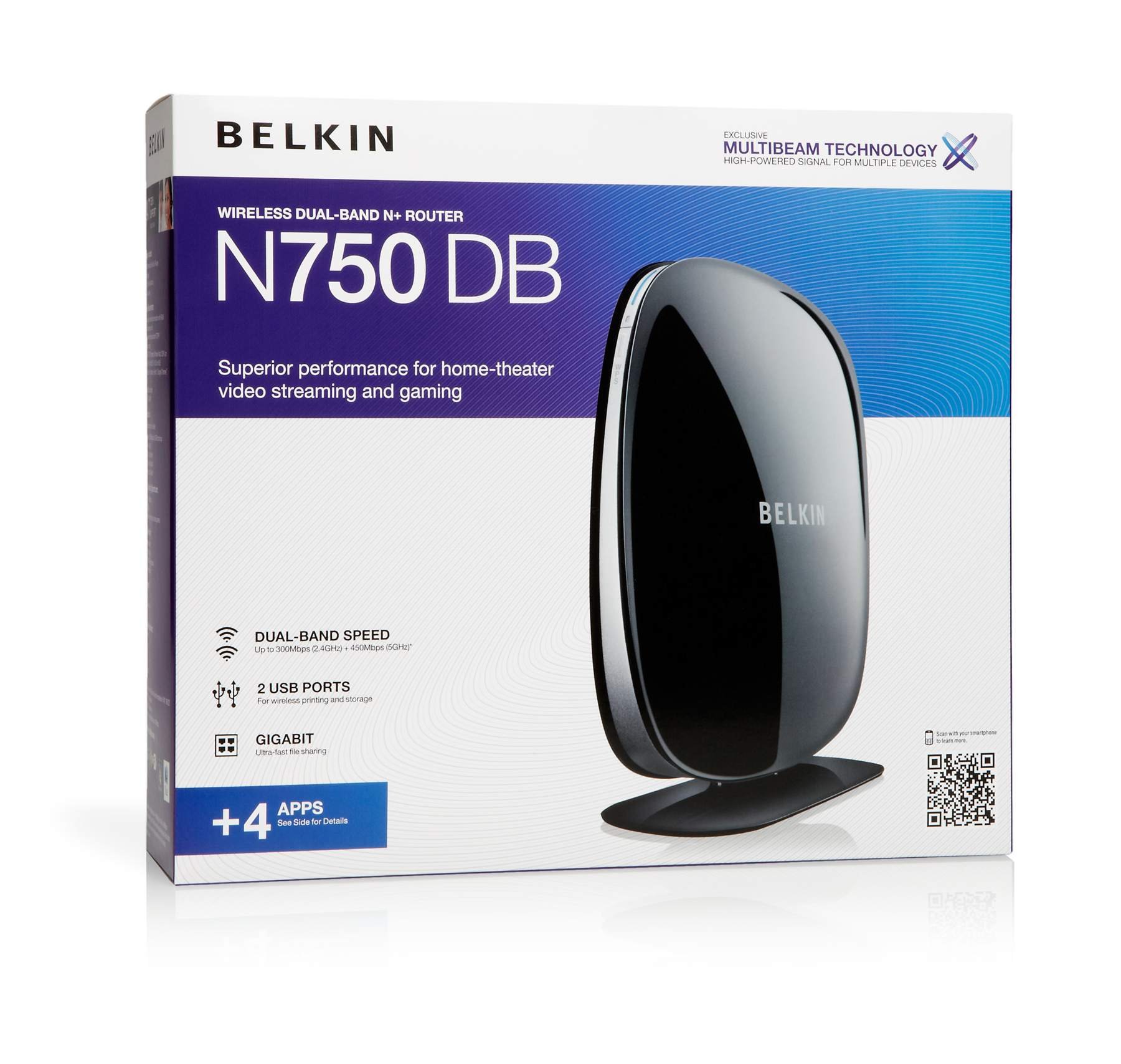
🚀 Elevate your home network — stream, game, and connect like a pro!
The Belkin N750 DB Wi-Fi Dual-Band N+ Gigabit Router delivers combined wireless speeds up to 750 Mbps across 2.4GHz and 5GHz bands, enhanced by MultiBeam antenna technology for superior home coverage. Featuring 4 gigabit Ethernet ports and dual USB ports, it supports ultra-fast wired connections and media sharing. Norton-powered parental controls keep your network safe, while Media Server by myTwonky enables seamless streaming of your personal media library. Ideal for HD streaming, multiplayer gaming, and multi-device households, this router balances performance and ease of use with a quick setup and reliable connectivity.
| ASIN | B004N625AK |
| Best Sellers Rank | #222,482 in Electronics ( See Top 100 in Electronics ) #1,423 in Computer Routers |
| Customer Reviews | 4.0 4.0 out of 5 stars (491) |
| Date First Available | May 27, 2011 |
| Is Discontinued By Manufacturer | No |
| Item Weight | 7.5 ounces |
| Item model number | F9K1103 |
| Language | English |
| Manufacturer | Belkin |
| Product Dimensions | 10.88 x 3.19 x 9.5 inches |
J**E
Great Buy! (before you say no to buying, make sure you look at the dates of bad reviews, and be sure you're comparing to recent)
I previously had a different Belkin router before this, so I trusted them for the most part as good in value without having to pay crazy for a Netgear. The one I had previous was basic, though, since I just needed a router at the time with a USB plug-in and range to literally the room next door where the router sat. Now we had to move the router to the opposite end of the house, and I couldn't pick up a range that it would stick to without having to sit in a different area of the house, which with kids running around meant I couldn't get done what I needed to without interruption. So the main reason for this buy was to get a better range. I just got this all set up (I knew how to set it up since I had one previous, but still the instructions that come with it are short and sweet and to the point, and took 20 minutes, max, to get all of our devices hooked up to it). I am currently sitting in the other end of the house and I almost have a full connection, and my internet is running faster as well, which is also a big bonus. I decided to buy this despite some bad reviews because I noticed that most of the 1 stars where older, 2011. Most of the 5 star where newer, 2014. I hadn't seen any bad reviews from recent years (not saying there isn't any!) and decided worse case scenario I could send it back. So far it's working great. It takes up less room than the old one, has better range, and is handling all of our device hookups a lot better. So far I would say I'm pretty satisfied, and would encourage anyone that needs the basics for a big home without having to pay 150 for it, this is a great deal!
G**N
Disregard most of the negative reviews.
I was replacing a 12 year old wireless 802.11b router, so I spent several days doing online research to find what I considered to be the best router for my money. In our home, we have a variety of computers, from a 10 year old Windows ME desktop, to several XP's, and a 1 year old Windows 7. We even have a brand new wireless all in one. Our wireless cards were everything from 802.11b, g and n. This router took them all on, and everything is running perfect. We went from a 2.5K download to 17K on the Windows 7. I'm even getting 8K on one of the older 802.11g machines. All of this was done through the network connections on the computers, but if you're not a techie, Belkin supplies you with a software disk that guides you through it. Phhhtt...couldn't get any easier than that. Setup is a snap... (1) Unplug your cable modem and remove your old router if you had one. (2) Put the N750 router on your desk and connect the supplied Ethernet cable to your modem. (3) Plug in your modem and wait a couple of minutes for it to come online. (4) Plug in your N750 router and wait a couple of minutes for it to begin working. (5) Belkin supplies you with a little card that has your unique wireless name (SSID) and your unique wireless password on it. This data is in the router, so all you have to do is insert the software disk into your computer and follow a few easy steps. (6) Done! Now let's go fire up the grill! And surf the internet on the back deck while we burn some chops. Cheers!
K**E
Excellent router for simple home use
**Update Jan 2 2012** there was a new firmware release - 1.00.46 - that was recently posted to the Belkin site. Since applying this update, the periodic slowdown mentioned in the review below seems to be resolved. Still no DHCP reservations, though. **Original review** I have a ~2000 sqft single story home. We're a very connected family, with lots of devices and a heavy dependency on the internet. My goals were: have complete wireless coverage in the house that allowed me full usage of my 30mb/5mb internet connection; allow streaming of video content from a centralized server to multiple devices throughout the house, and have a stable product I didn't have to mess with once set up. My technical level is above average. I tried some of the nicer ASUS and Linksys products. The asus would lose the WAN connection every 30 minutes or so for about 5 seconds. The linksys had the 5ghz radio stop working after a week. I decided to try the belkin after reading a mostly positive review on a very credible networking website - and figured it was hard to go wrong with the price. Amazon had the router to me the next day. Setup took about 5 minutes - I didn't use the included CD - just set it up via the web interface. I can't imagine people having difficulty setting up this router - it even comes with the ethernet cable and power supply already plugged in. First, if you're looking for a router with a ton of configuration capability - look elsewhere. The firmware here is very basic, and is even missing some surprising 'standard' features such as DHCP reservations. For -most- home situations, though, it has what you need, and it's presented in a relatively simply and easy to understand way. This router also uses a chipset that's not supported by 3rd party firmware, so you're stuck with what belkin provides. Range for 2.4ghz is superb. I have complete, full speed connection in every room in the house, and all through my small yard. 5ghz is not as strong. 5ghz is always going to have more difficulty penetrating walls than 2.4gz - so you should expect some drop-off in range. However, compared to the Asus and Linksys I tried, the Belkin 5ghz is weak. My htpc has line-of-sight to the router, about 30' away - so it works fine for my purposes, but the signal drops off sharply once you leave the room. Speed is good. While I have seen > 300mb connection reported in Windows on 5ghz channels, you obviously won't get anywhere near that speed in use. At best, I see ~ 12-14MB/sec, which is actually really, really good for wireless. I can stream HD across my internal network, and max out my internet connection at the same time with zero issues. I have had one issue where the router will slow down after a period of use. My max internet speed will top out around 17mb/down, instead of the 30 I usually see. This only seems to happen after extended periods of heavy internet use - ex: watching several hours of streamed HD from netflix. Making any change on the router (ex - changing DNS settings) 'fixes' the issue. Belkin has a 'self healing' option, which is really just a scheduled router reboot, which can be used to work around this issue. It also does not occur if the router is used in AP mode. Beyond this issue, I've had zero stability issues. I had the router since July, and we use the internet heavily every day - so issues would be readily apparent. I do wish belkin would address the firmware issue mentioned above, and add DHCP reservations - but I'm able to get the device set up as it to do exactly what I want - which is more than I can say from some of the "better", more expensive options I've tried. All in all, it's an inexpensive router that performs well and does what it's supposed to do. I'm happy with my purchase.
S**E
piece of junk, once set doesnt connect to the admin panel. no wonder its so cheap.
Trustpilot
1 week ago
3 days ago